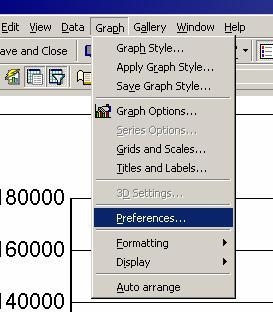
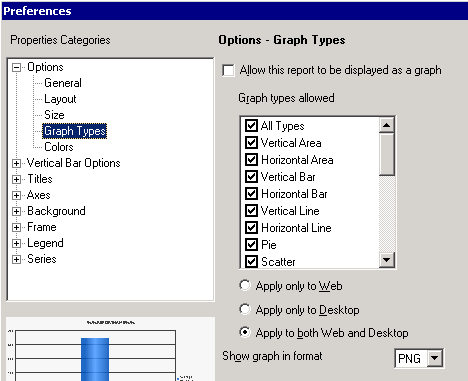
This procedure demonstrates how to change the preferences in Strategy Developer to alter a report so that it can only be run in grid mode. Once implemented, Graph mode and Grid/Graph mode will no longer be an option when viewing the report.
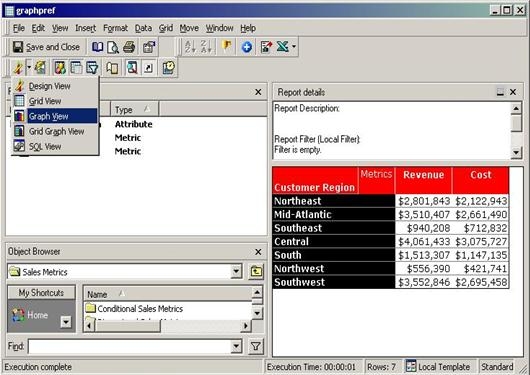
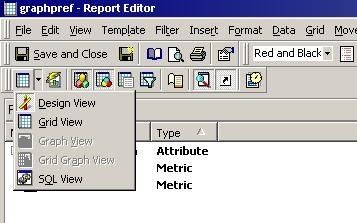
Now, when executing the report, the options for "Graph View" and "Grid Graph View" are grayed out, as illustrated in the following screenshot:
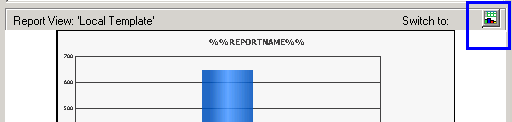
NOTE: Once the changes have been made, you can still toggle the option but only through the quick switch button in the Desktop Editor highlighted below. Set it to graph and you will have access to the Graph menu again.