In some cases, a user may lose their profile link to the "Everyone" group. For more information on the symptoms of this occurrence, refer to the following Strategy Knowledge Base document:
KB10036: “You do not have access privileges to project (project name)” error message appears after logging into a 3-tier project source in Microstrategy Desktop.
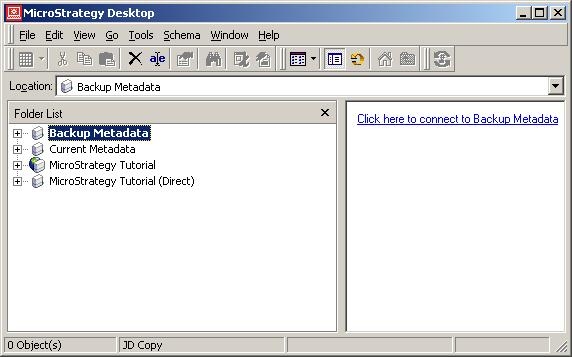
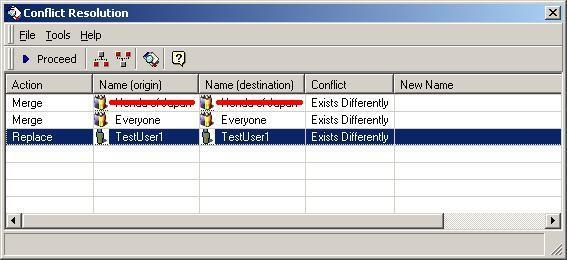
To resolve this issue, follow the steps below that illustrate how to use a backup of the metadata to restore the affected user: