SYMPTOM:
After modifying the Administrator password of the Strategy metadata, Strategy Enterprise Manager data loads fail with the following error:

This error either appears as a dialogue box when performing the data load manually or in the MSTRMigration.log.
Note: An enhancement request has been logged to change the error message seen in this case. Contact Strategy Technical Support for an update on this.
CAUSE:
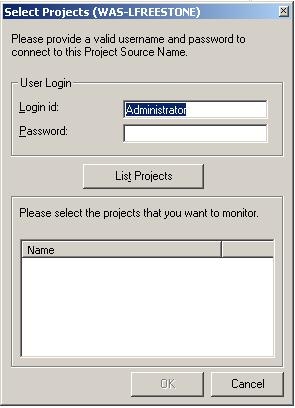
This issue occurs because the Administrator password is stored in a separate table (EM_PROPS) when registering the Project Source in the Enterprise Manager Console. When the password is changed in the metadata, it is not updated in the Strategy Enterprise Manager warehouse.
Note: The password in the table is encrypted and is not possible for users to read the password directly from this table.
ACTION:
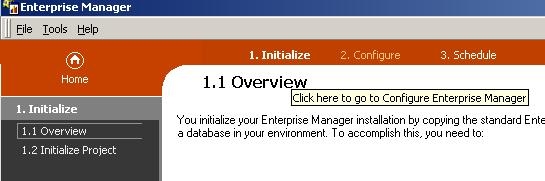
Re-register the project source in the Enterprise Manager Console so that the Administrator password becomes synchronized. To achieve this, perform the following steps: