Customers generally have numerous orders and details associated with each order. A common request is to have a report that will show only the last order date associated with each customer. The following steps will provide a general outline how to achieve this.
STEPS:
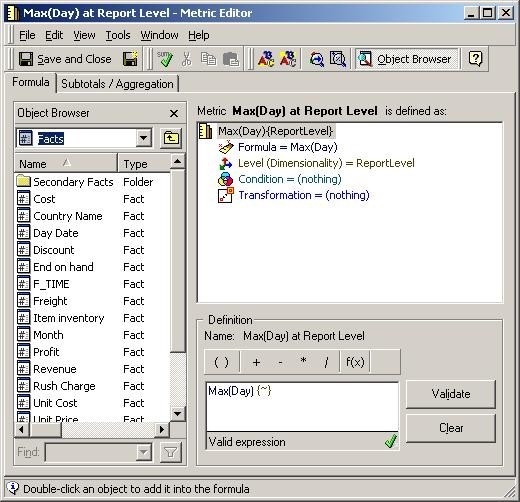
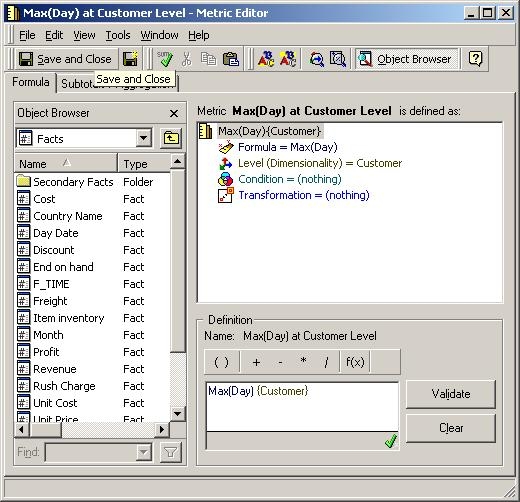
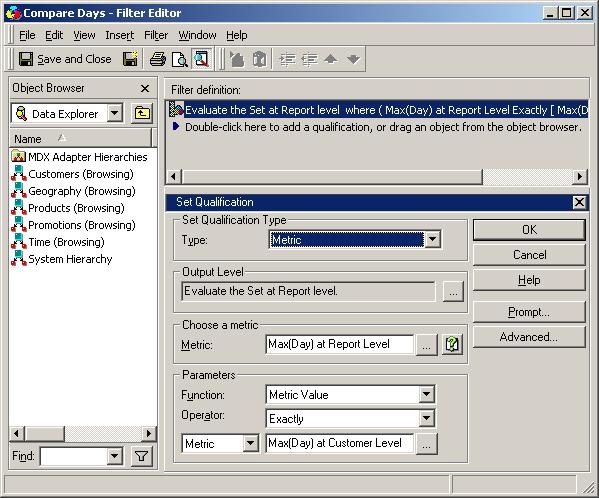

Note that the Max(Day) at Report Level attribute is calculating the purchase date for every Item that the individual has ever purchased, because it is set at the Report Level (which is Item). The Max(Day) at Customer Level attribute is calculating the last order Day that is associated with each individual customer. Here, the filter takes the Max(Day) at Customer Level and compares that day to all of the Items' purchase days, and keeps only those that were purchased on the last order Day for each customer.
