In Strategy, it is possible to automate a project idle or a project resume using a schedule. This document explains the steps to achieve this using Schedule Administration Tasks. Note that when using this functionality to idle a project, a Full Idle will be issued. For more information regarding idle modes, review the product manuals that come installed with the Strategy software.
The following are the steps to create a schedule to idle and resume a project:
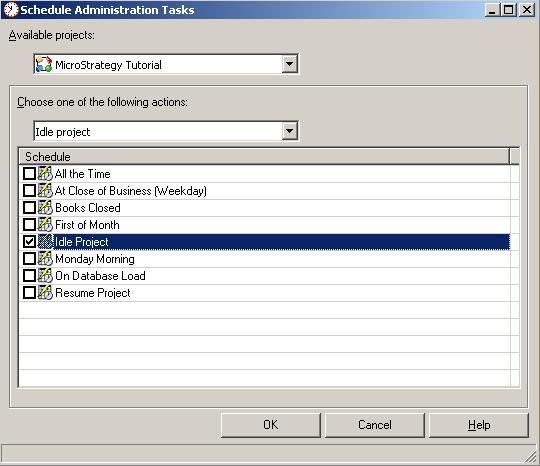

The project will now be idled and resumed when the corresponding schedules are launched.
