SYMPTOM:
Users receive an error message when they log into Strategy Office through a Microsoft application. This occurs the first time the user has logged in after installing Strategy Office:
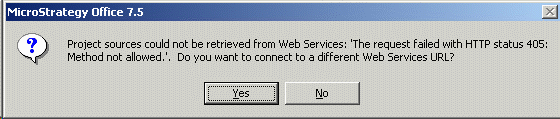
Project sources could not be retrieved from Web Services: 'The request failed with HTTP status 405: Method not allowed.'
CAUSE:
The most common cause of this issue is that the installation process did not create the virtual directory on the web server machine. To confirm this, go to the Strategy Web Server machine to see if the StrategyWS virtual directory has been created.
Remember that Strategy Web Services should generate its own virtual directory separate from the Strategy virtual directory that is used to run Strategy Web.
ACTION:
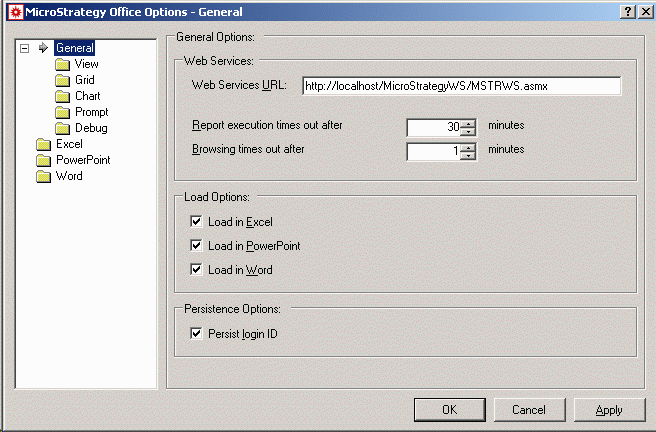
Create the virtual directory manually and ensure that StrategyWS is used as the name. If the virtual directory name is changed, make sure to edit the configuration of Office. Additionally, alter the Web Services URL to reflect the new virtual directory name, as shown below:
Refer to the following Strategy Knowledge Base document for specific information on how to create a virtual directory in IIS:
