In Strategy Enterprise Manager 9.x, users can delete information from their Enterprise Manager warehouse tables for a specified time range. Refer to the following Strategy Knowledge Base document for details on this:
KB10191- What are the 'Custom Time Window' and 'WH Data Deletion' buttons in the Strategy Enterprise Manager Console?
In Strategy Enterprise Manager 9.x, users can delete this information for a specific project as well. Upon clicking the 'WH data deletion' button in the Enterprise Manager 9.x console, the following window appears, listing the projects monitored by Enterprise Manager and those which are still existing in the metadata being monitored by Strategy Enterprise Manager console. In other words, it is not possible to run a warehouse data deletion on Strategy Enterprise Manager console for those projects which have already been deleted in the metadata.
Also note that this option ONLY deletes data from the Enterprise Manager Warehouse tables listed below and does not delete data from any lookup tables.
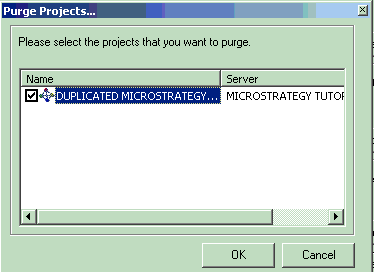
This allows users to selectively specify the project for data deletion from the Enterprise Manager warehouse.
