SYMPTOM:
After defining a logical table and editing the attribute(s) that already reference the column(s) used in the logical table, the logical table is not listed as an available source table for the attribute form referencing the column.
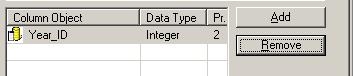
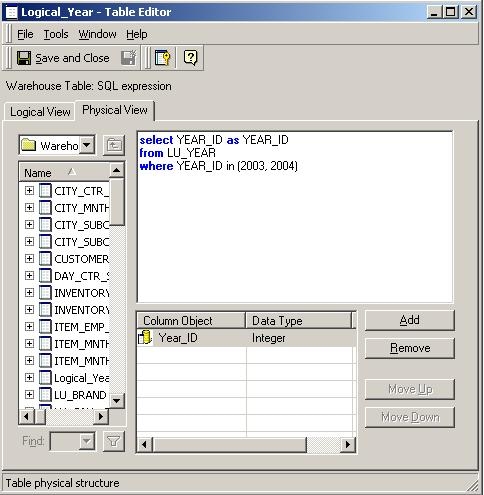
A logical table is defined as follows with Year_ID, which is used in the Year attribute as shown in the image below:
As shown below, the logical table is not listed as a source table for the ID attribute form when modifying the Year attribute:

CAUSE:
This issue may occur if the column object created in the Logical Table is not identical in all aspects, including Object ID, with the column objects used for the other tables containing the same column.
ACTION:
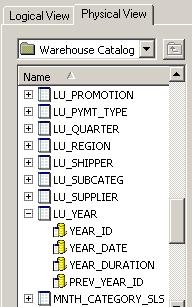
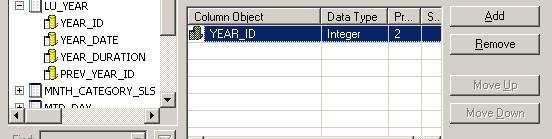
Complete the following steps in the Logical Table Editor: