Currently, attribute element filters can only be used with an exactly or equal operator.
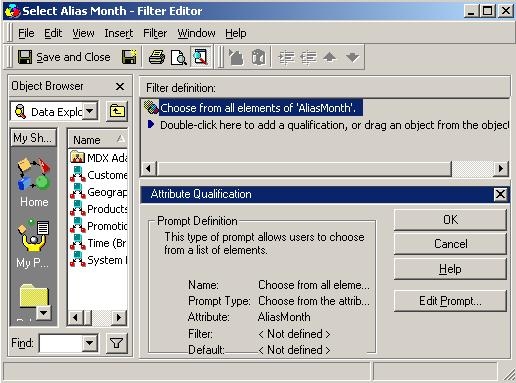
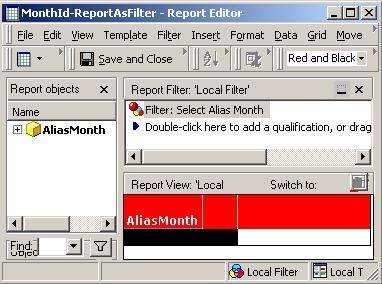
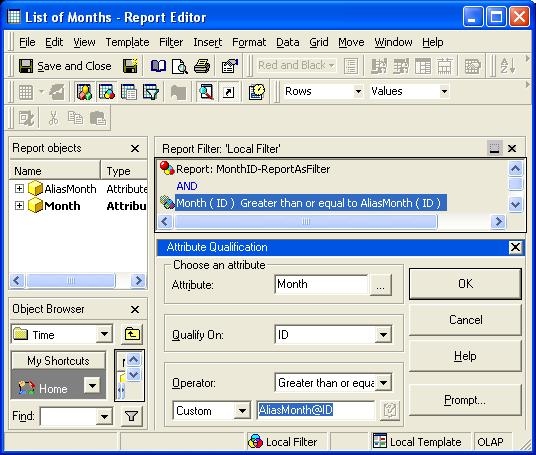
To create an attribute element filter that uses any other operator, complete the following steps in Strategy Tutorial:
Note: The goal of this example is to retrieve a list of months whose ID is greater than the one selected through attribute element prompt.
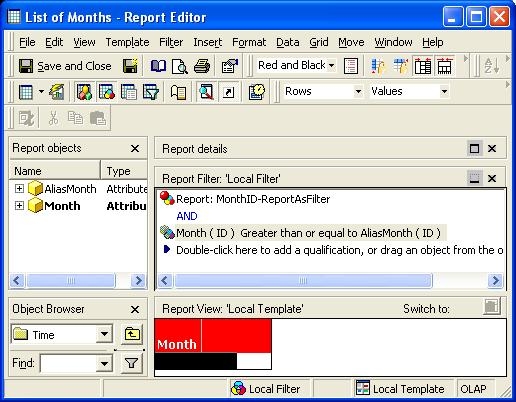
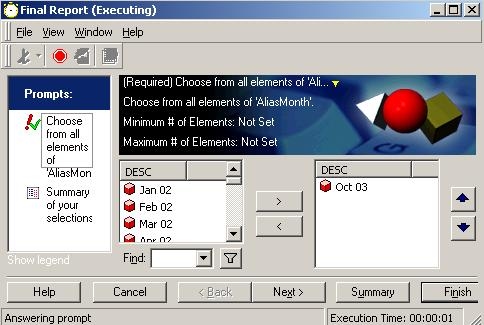
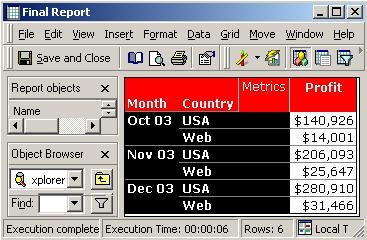
Note: If metrics or other attributes are added into the report in Step 4, then the report will ignore the list of month and will show data for only the month selected in the prompt.
IMPORTANT NOTE: The Very Large Database (VLDB) property "Engine Attribute Role Options" has to be enabled. The VLDB property "Engine Attribute Role Options" can be found under Project Configuration -> Database instances -> VLDB Properties -> Query Optimizations.
More information about Attribute Roles and why they are needed:
KB6197: How do Attribute Roles Work in MicroStrategy?
