SYMPTOM:
When users attempt to access Strategy Web 9.x, they receive the following error message:
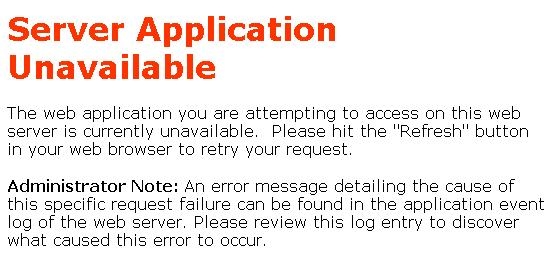
Server Application Unavailable The web application you are attempting to access on this web server is currently unavailable. Please hit the "Refresh" button in your web browser to retry your request. Administrator Note: An error message detailing the cause of this specific request failure can be found in the system event log of the web server. Please review this log entry to discover what caused this error to occur.
The following error message also appears in the Application event log:
aspnet_wp.exe could not be started. HRESULT for the failure: 80070005
CAUSE:
The process model user account, which is ASP.NET by default, does not have the correct user rights for the required system files and folders to run the ASP.NET worker process. This could occur if the Administrator of the Strategy Web Server machine has configured the IIS Lockdown Wizard to lock the ASP.NET user.
ACTION:
The Administrator needs to reconfigure the setting to allow the ASP.NET user on the machine since Strategy Web ASPX is dependent on this user.
IIS Lockdown configures NTFS permissions using the new group called Web Anonymous Users. Check to see if the ASP.NET user has been added to this group. If so, remove the ASP.NET user from the list of locked accounts.
Third Party Software Installation
The third-party product(s) discussed in this technical note is manufactured by vendors independent of Strategy. Strategy makes no warranty, express, implied or otherwise, regarding this product, including its performance or reliability.
12162
