SYMPTOM
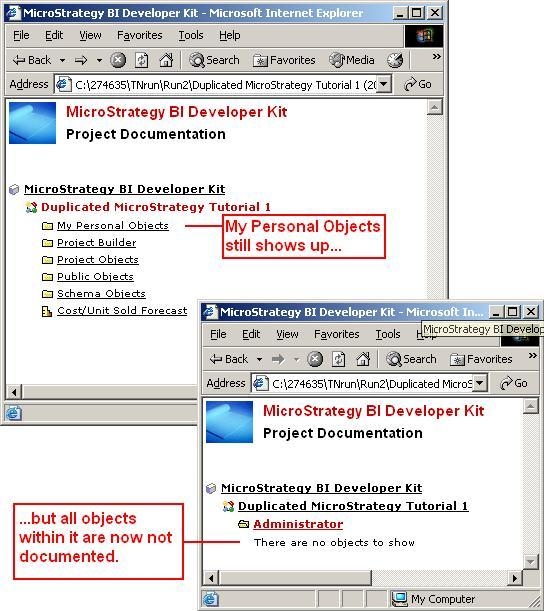
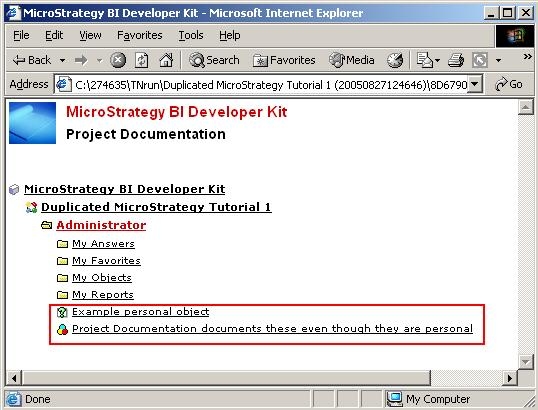
When executing the Project Documentation Wizard, the tool automatically documents the objects in the My Personal Objects folder. There is no option in the Wizard to choose not to document these objects, as shown in the image below:
CAUSE
This is a known issue in Strategy Developer 9.4.1 and 10.x. Contact Strategy Technical Support for an update on the status of this issue.
WORKAROUND
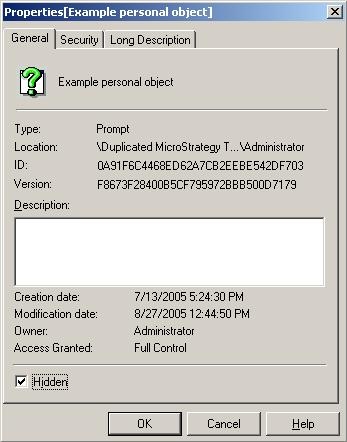
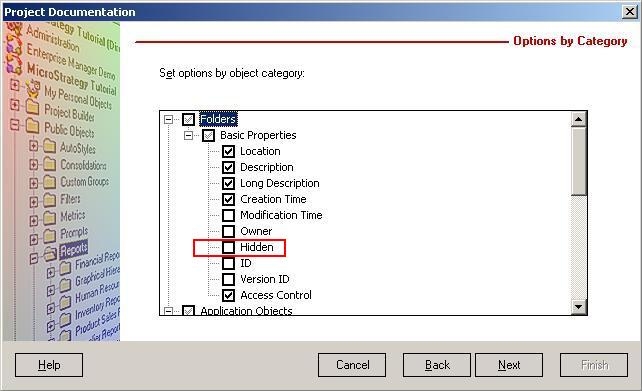
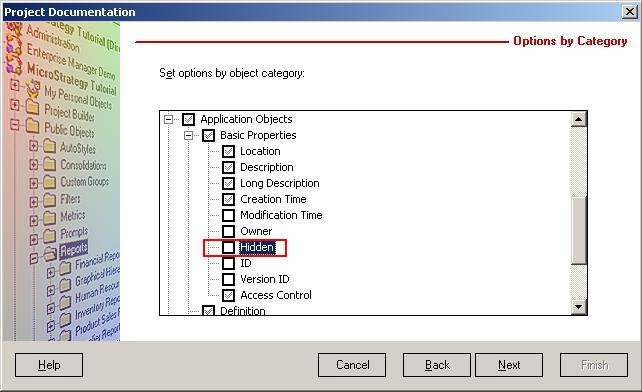
To manually prevent the personal objects from being documented, they can be hidden and then the option to document hidden objects can be turned off. Follow the steps below: