SUMMARY:
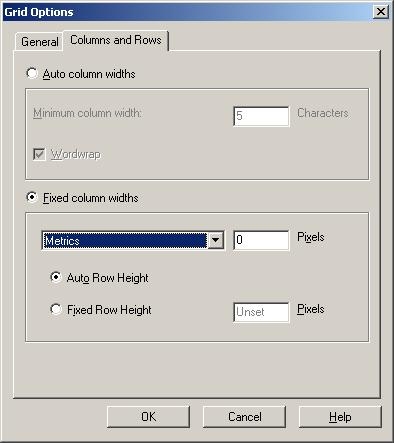
This "How to" technical note describes a way to hide the metrics columns from a document grid in Strategy 10.x.
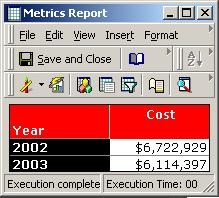
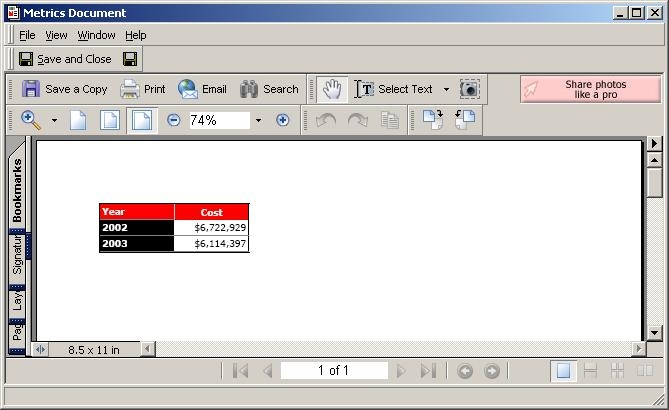
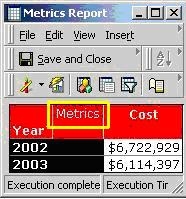
Strategy Desktop 8.x reports display the 'Metrics' column on the report grids by default. When these reports are used in a Report Services document, the same 'Metrics' column is displayed, as shown below:
To hide this column, the user must hide the 'Metrics' column on the base report first, and then bring the report onto the document with formatting preserved. Follow the steps below: