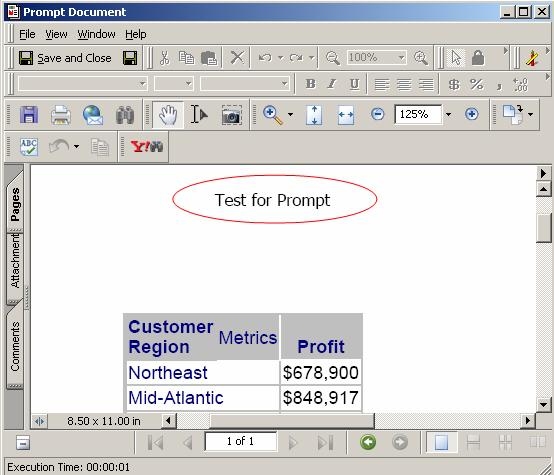
In Strategy Developer 9.4.x-10.x, prompted text cannot be displayed in a Report Services document unless the prompt is in the dataset of the document. However, since a text prompt cannot be directly incorporated in a report object, it must be embedded in a metric.
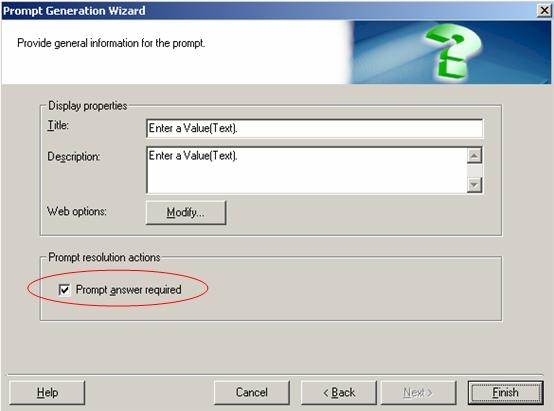
Follow the steps below to display text that is dynamically entered at run-time by the user in a Report Services document in Strategy Desktop 8.x:
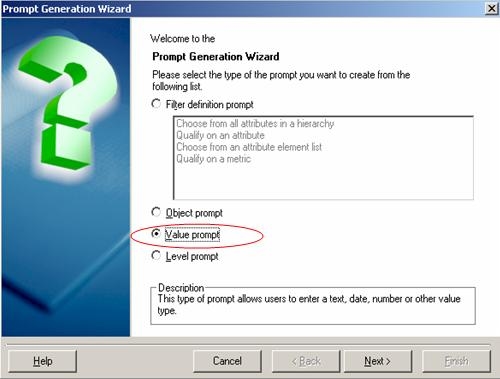
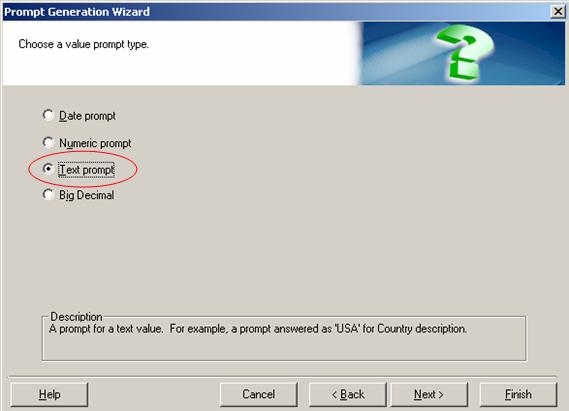
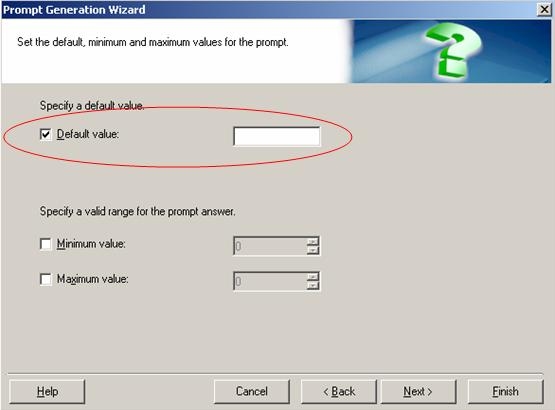
ApplySimple("max(#0)", ?, Revenue)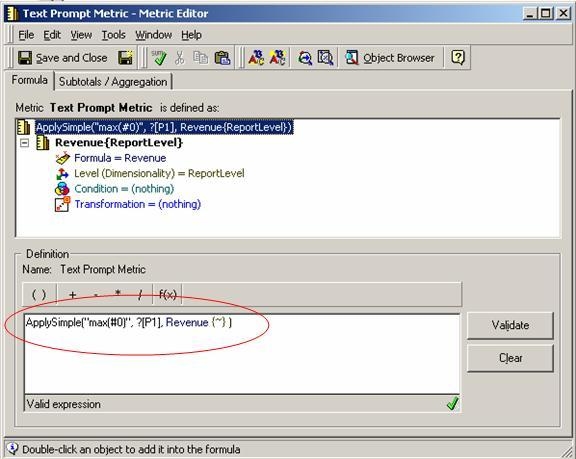
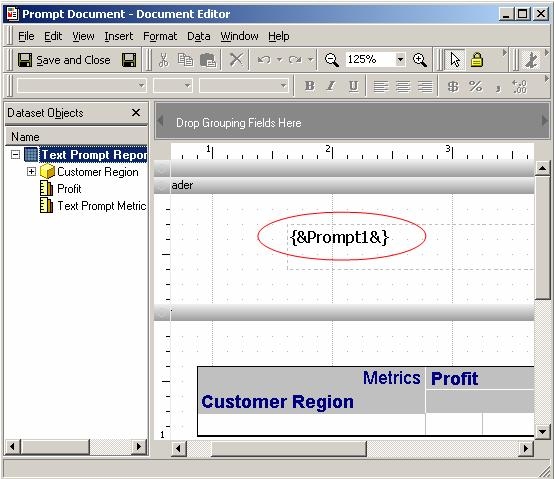
Where n is the order of occurrence of the value prompt when the report is executed. In the example shown, the value prompt is the first to be prompted, and so n = 1.
Once this is done and the Report Services document is executed, the prompt will be called, displaying the text entered by the user at run-time, as shown below: