To view the current status of a Strategy Intelligence Server Universal instance in a UNIX/Linux environment, run the command ‘mstrctl -s IntelligenceServer gs’ from the <Strategy HOME>/bin directory using a command prompt / terminal, as shown below:
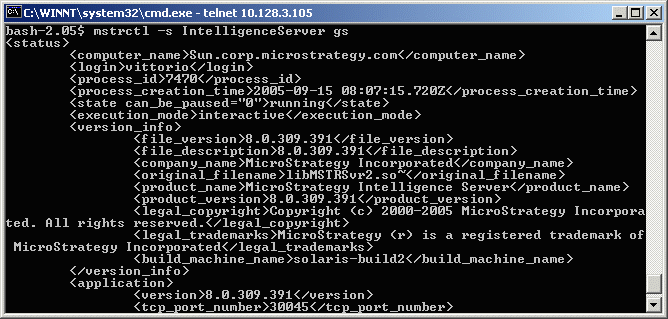
A list of specifications will appear, and the fifth line will display the current status of the Strategy Intelligence Server Universal instance. In the window above, the status is ‘running’.
