SYMPTOM:
Conditional formatting is lost in a Report Services document if the original data set is removed and replaced by similar data set containing the same metric or attribute that had conditional formatting applied in Strategy Developer.
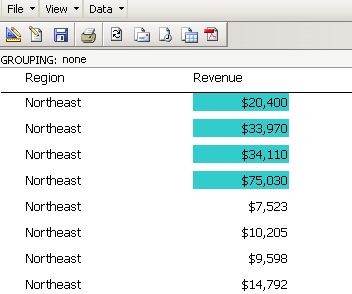
In the image below, the Revenue metric has conditional formatting applied to highlight values greater than $20,000:
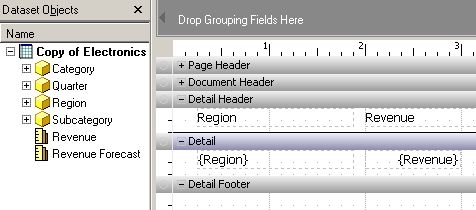
The data set is changed to similar report, which has the same Revenue metric, as shown below:
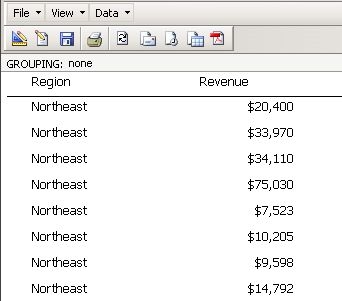
Upon executing this document, the conditional formatting is not applied to the Revenue metric, as shown below:
CAUSE:
Conditional formatting is linked to the original data set and it does not automatically link to a new data set even if the same metric or attribute is available in the new data set.
ACTION:
An enhancement request has been logged to make this link automatic. Strategy will continue to investigate and post updates as soon as they are available.
WORKAROUND:
Users should manually add the conditional formatting for the desired metric included in the new data set.
