To register Strategy Intelligence Server as a service in UNIX or Linux, the user should be logged in as the ROOT user (or should be part of the systems group). Once the user is logged on as the ROOT user, Strategy Intelligence Server can be registered as a service using the following two options:
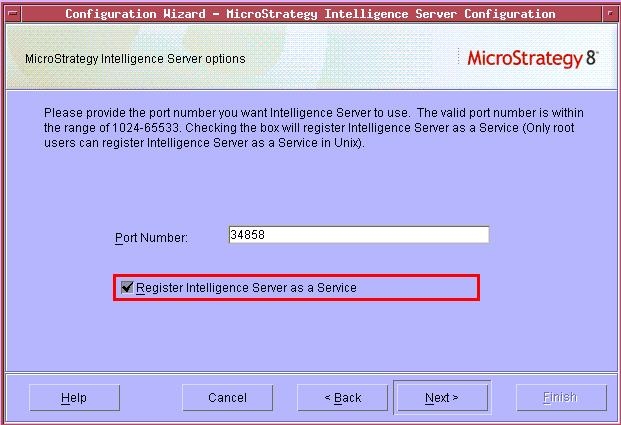
A. To register Strategy Intelligence Server using Strategy Configuration Wizard, follow the steps below:
B. To register Strategy Intelligence Server using mstrctl from the ~/MicroStrategy/bin directory , follow the steps below:
Note: To un-register Strategy Intelligence Server as a service, use the following command:
mstrctl -s IntelligenceServer us
For additional information on MSTRCTL utility, refer to the following Strategy Knowledge Base document:
KB5300-75x-0567 - What is the MSTRCTL command and how is it used in Strategy Intelligence Server 9.x?
