SYMPTOM:
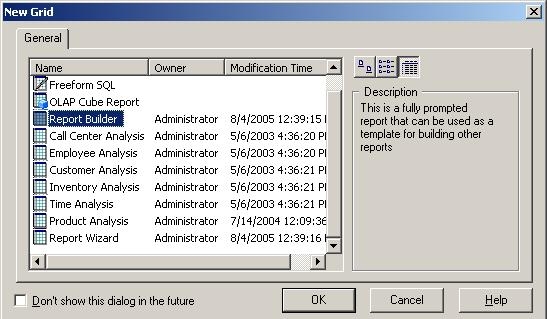
A user chooses the Report Builder format to create reports, as shown below:
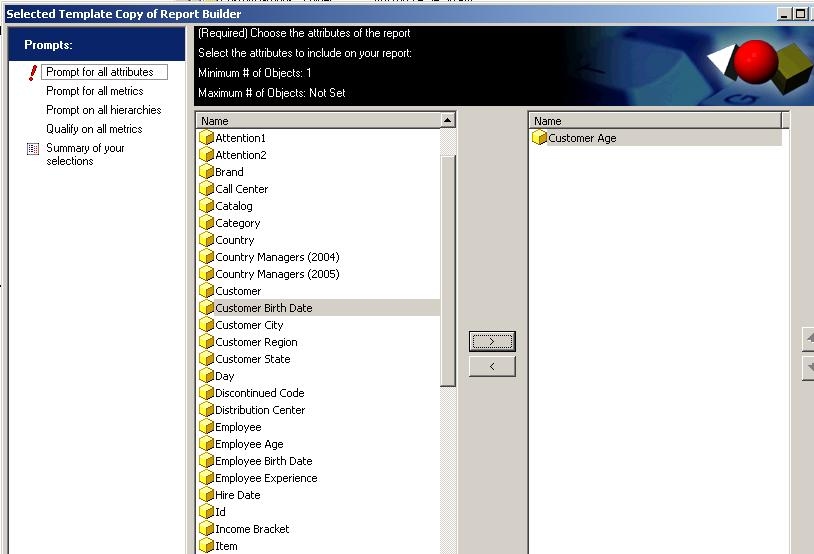
When building a report with the Report Builder, the user is prompted to add the desired attributes and metrics to the template, as shown below:
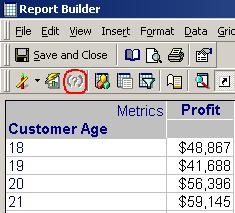
After these selections are complete, the report should be identical to that created from the Empty Report template. The objects on the template should be static. When the user executes the newly created report, there is no option to re-prompt, as shown below:
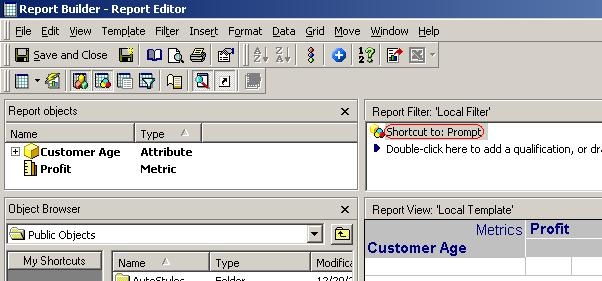
After opening the report in Design View, the user can add a prompt to the report definition and when the report is executed again, only the prompt that had been added appears, as shown below:
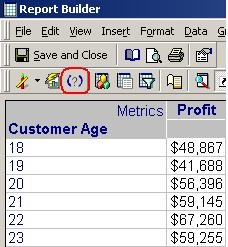
After the report is executed again, there is an option to be re-prompted. When choosing this option, the user must go through all of the original prompts again rather than only passing through the report on the template, as shown below:
CAUSE:
This is a known issue in Strategy Developer 9.x and 10.x.
ACTION:
Contact Strategy Technical Support for an update on the issue.
WORKAROUND:
Users can build the report with the 'Empty Report' template and place the appropriate attributes and metrics on the grid manually.
