SYMPTOM:
When a Report Services document with a prompt is delivered using Strategy Narrowcast Server 9.x - 10.x, the prompt on the document displays the default answers even though the user has selected prompt answers in the distribution list.
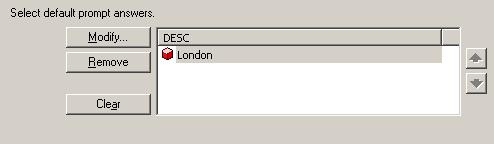
For example, suppose a user has created a prompt that displays a list of Call Centers where the default answer set for the prompt is the element 'London', as shown below:
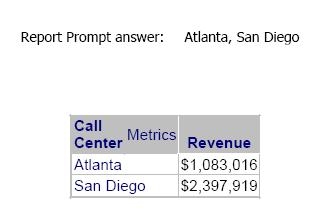
The user has also created a Report Services document with a text box displaying the prompt answer selected by the user, 'Atlanta' and 'San Diego', as shown below:
The user then creates a service in Strategy Narrowcast Server that will deliver the above document. After executing the service, the user receives the following document:
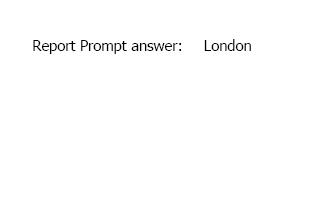
Notice that the default prompt answer is selected even though the user chose different prompt answers.
CAUSE:
This issue occurs because the user has chosen to use 'Default User Preference' in the subscription book.
ACTION:
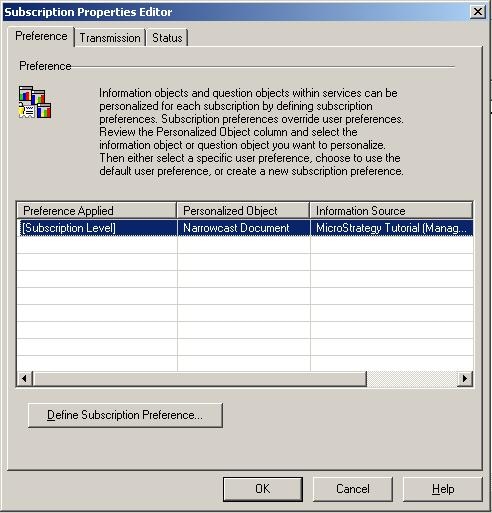
In order to avoid this issue, ensure that the users in the subscription book do not have their settings set to 'Default User Preference', as shown below:
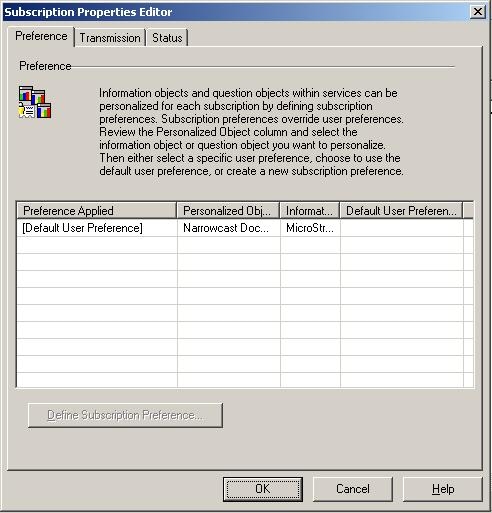
Double click on the user and select 'Define Subscription Preference' in order to specify the desired preferences, as shown below: