SYMPTOM:
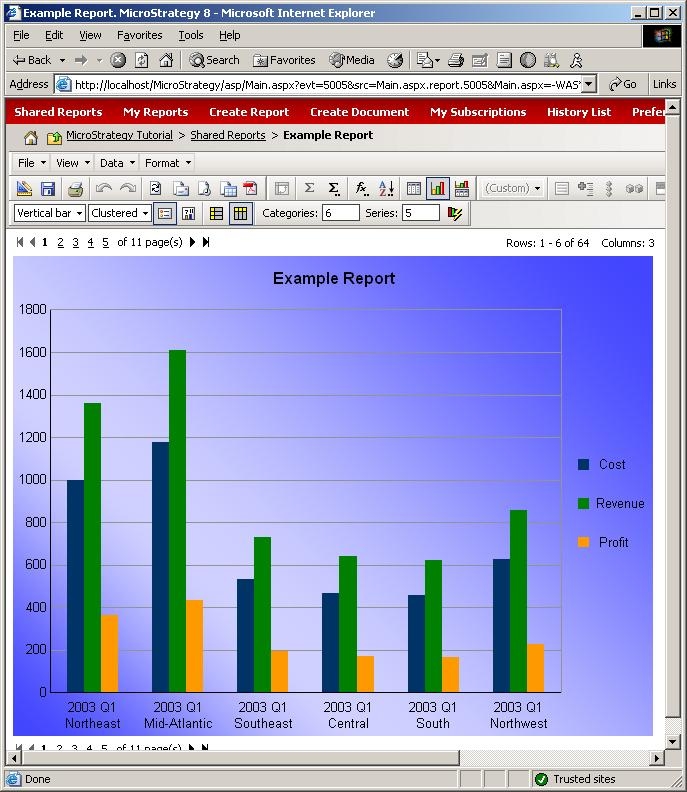
Occasionally, a user may wish to include a background image for graph reports. These graphs will display correctly in Strategy Developer, as shown below:

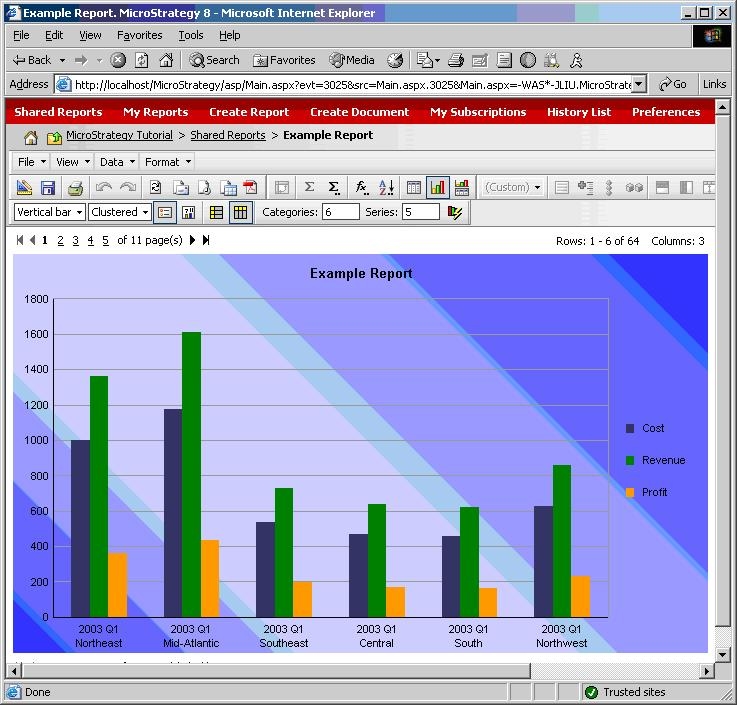
However, when displayed in Strategy Web, the image displays with a poor quality, as shown below:
CAUSE:
These issues are usually due to gradients within the background image, and require the correct image format.
However, if the graph size is smaller than the native size of the background image, image artifacts can also occur due to the compression, reducing the quality of the image.
ACTION:
If the background image has gradients, ensure that the Image Format is set to JPEG within the Strategy Web Preferences, as shown below:

If the background image has no gradients or still has artifacts after changing the image format, manually increase the graph size to a larger size instead of using the settings stored in the report definition. This will reduce the amount of compression necessary, and reduce artifacting.
The graph should now display correctly within Strategy Web: