EducationSoftwareStrategy.com
StrategyCommunity

Knowledge Base

Product

Community

Knowledge Base

TopicsBrowse ArticlesDeveloper Zone

Product

Download SoftwareProduct DocumentationSecurity Hub

Education

Tutorial VideosSolution GalleryEducation courses

Community

GuidelinesGrandmastersEvents
x_social-icon_white.svglinkedin_social-icon_white.svg
Strategy logoCommunity

© Strategy Inc. All Rights Reserved.

LegalTerms of UsePrivacy Policy
  1. Home
  2. Topics

KB13380: How to create a list of Project Configuration Settings using MicroStrategy Command Manager 10.x


Community Admin

• Strategy


Administrators can use MicroStrategy Command Manager 10.x to generate a list of the Project Configuration Settings

Administrators can use Strategy Command Manager 10.x to generate a list of the Project Configuration Settings. Follow the steps below to create a list of Project Configuration Settings in the Strategy Tutorial project using Strategy Command Manager 10.x:
 

  • Launch the Strategy Command Manager 8.x utility by going to Start -> Run -> CMDMGR.EXE.
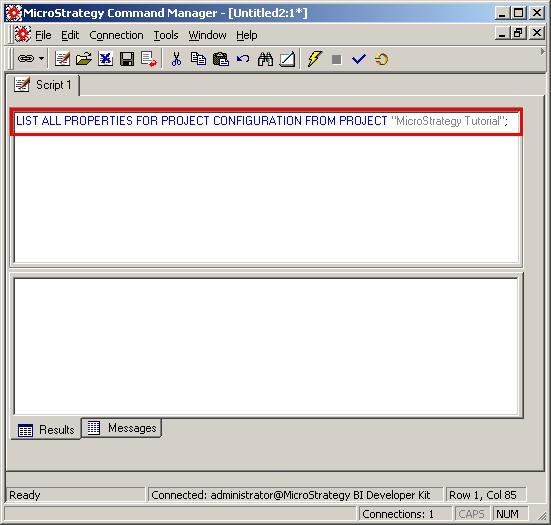
  • Connect to the DSN that points to the Strategy Tutorial metadata and enter the following text:
ka04W000000OgxKQAS_0EM440000002Bdk.jpeg
  •  
    LIST ALL PROPERTIES FOR PROJECT CONFIGURATION FROM PROJECT "Strategy Tutorial";
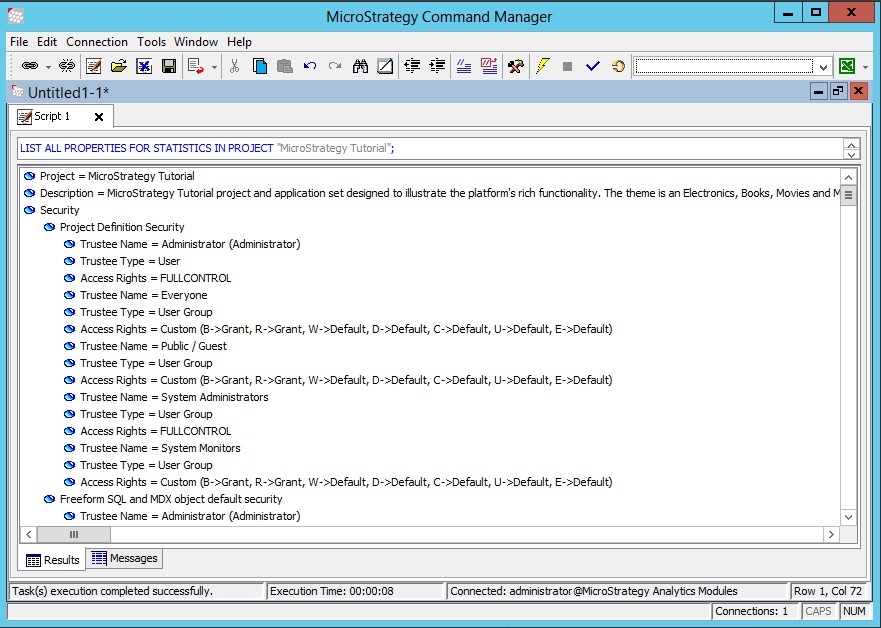
  • Execute the script. The default output appears as follows:
ka04W000000OgxKQAS_0EM440000002Oal.jpeg
  • Alternatively, users can change the output format (to text, grid, or file) by going to Connection -> Results, as shown below:
ka04W000000OgxKQAS_0EM440000002Oaq.jpeg

Exporting results to Microsoft Excel:
Users can export the results to Microsoft Excel by using one of the methods below:

  • Select Connection -> Results -> To Grid (shortcut: Ctrl+G). Then select File -> Export Result to Excel
  • Select Connection -> Results -> To File (shortcut: Ctrl+F1), and save the results to an existing Excel file

Comment

0 comments

Details

Knowledge Article

Published:

June 7, 2017

Last Updated:

June 7, 2017