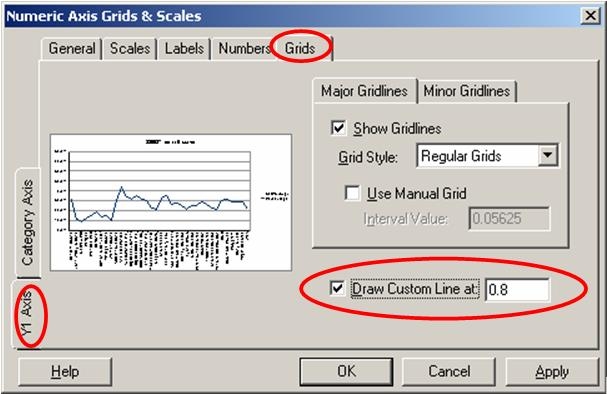
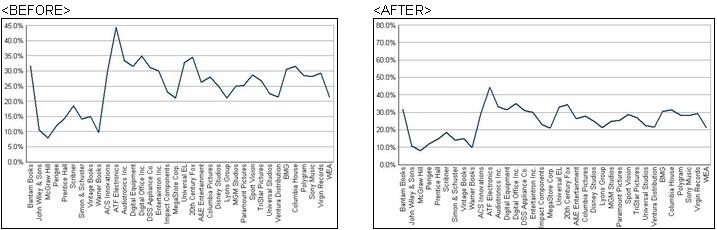
This knowledge base article demonstrates how to change the custom line formatting in Strategy Developer to create smooth curve effects in a report in line graph view. By adding a custom line to the y-axis of a line graph report, the user creates a flattened effect, so it is not as dramatic between the highest value and the lowest value in the line.
The following image illustrates the before and after effect:
Follow these steps to change the Custom Line Formatting for a smooth curve effect:
View the following image for reference: