To add a prompt to a Freeform SQL report in Strategy Developer 10.x, first open the Freeform SQL report Editor to create a new report.
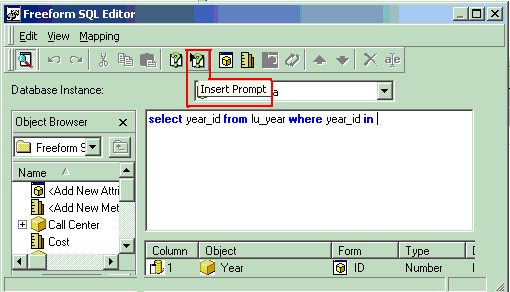
Enter a SQL statement and click on the 'Add prompt' button, as shown below:
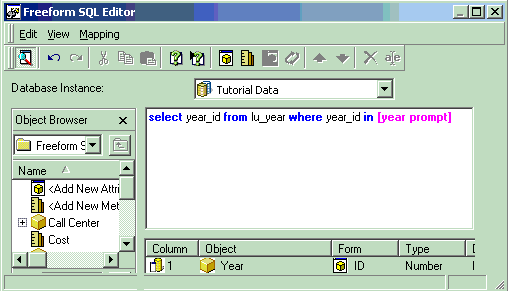
The prompt element will be added automatically, as shown below:
Execute the report and the following error message will appear:
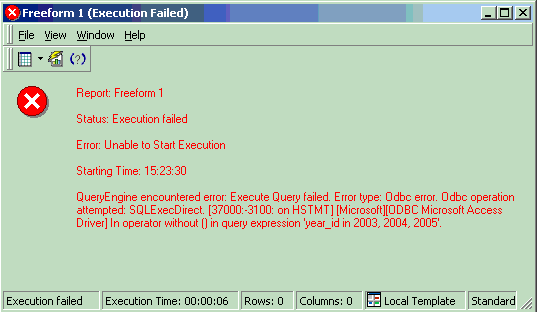
QueryEngine encountered error: Execute Query failed. Error type: Odbc error. Odbc operation attempted: SQLExecDirect. In operator without [] in query expression 'year_id in 2003, 2004, 2005'.
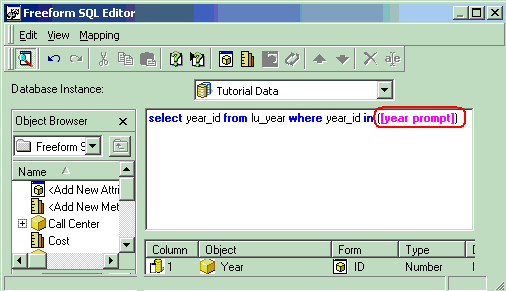
In order to execute the report correctly, the user must put the prompt element within brackets in the SQL Statement, as shown below:
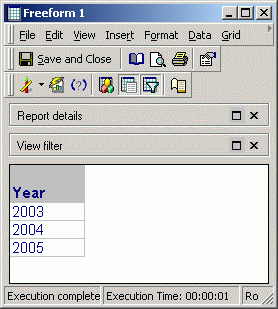
Now the report will execute correctly, as shown below:
13666
