SYMPTOM:
After dragging over a modified folder in Strategy Object Manager 9.x, the following error occurs:

Cannot perform folder operation. The destination folder is the same folder or a subfolder of the source folder.
CAUSE:
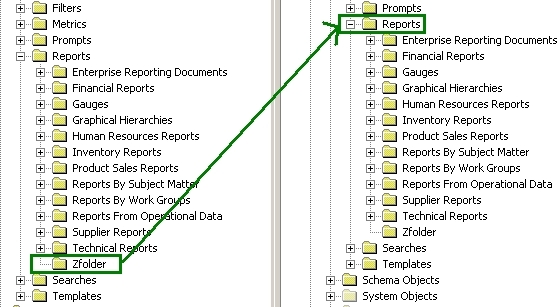
The folder from the source project is being dragged onto the corresponding folder in the destination project, as shown below:

ACTION:
The correct method for moving a folder is to drag the folder from the source project onto the PARENT folder in the destination project, as shown below: