It is possible to modify the export output of a report in Strategy Desktop 9.x by, for example, adding a header and/or footer or including some additional report details such as the report title. To set these, go to Data -> Export Options, as shown below:
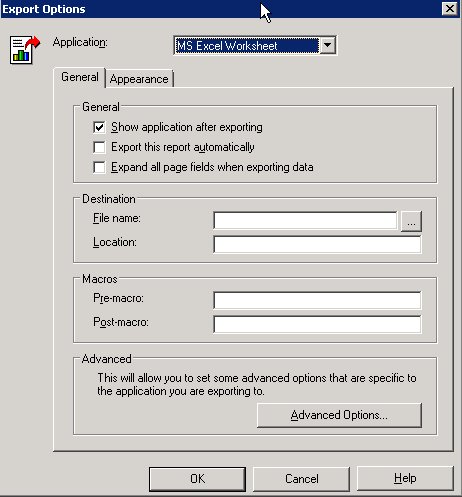
How to set default export options for all reports
To set the defaults for all reports, go to the Tools menu in Strategy Developer and select My Preferences -> Export -> Export Options. Changing options in My Preferences will now be applied for all new reports. This will not change the settings for the existing reports.
