SYMPTOM:
When executing a Report Services document containing images using Strategy Office 9.4.1, the images are not displayed.
CAUSE:
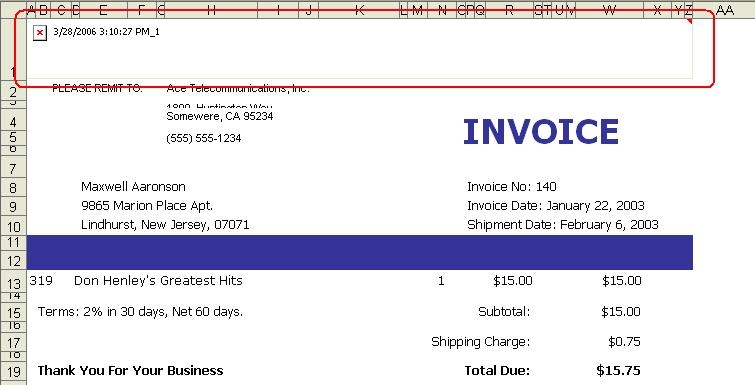
Images cannot be located by Strategy Office either because the path to the images could not be found, is not accessible, or does not contain the specified images, as shown below:
ACTION:
Determine the location of the report image path by opening the report in the Strategy Developer Document Editor. For absolute paths, network paths, or Web paths, verify that the path and image can be accessed from the Strategy Office client machine. For relative paths, verify that the image can be accessed relative to the Windows temporary directory on the Strategy Office client machine.
For example, the following report definition specifies the image headearportrait.jpg as a relative path:
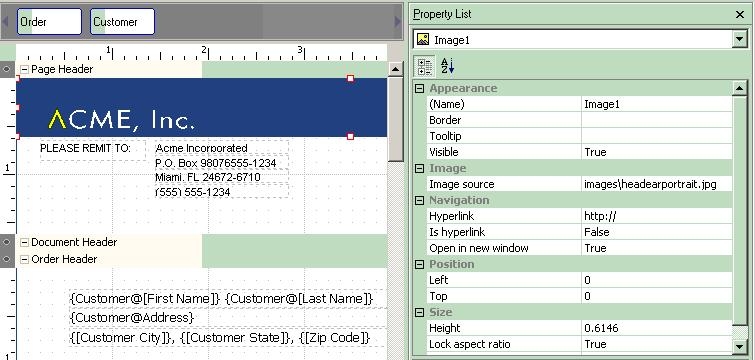
To determine if the specified image is accessible, check the images directory relative to the Windows temporary directory on the Strategy Office client machine (for example, C:\Documents and Settings\USERNAME\Local Settings\Temp\Images) and create the directory if necessary and/or add any missing images.
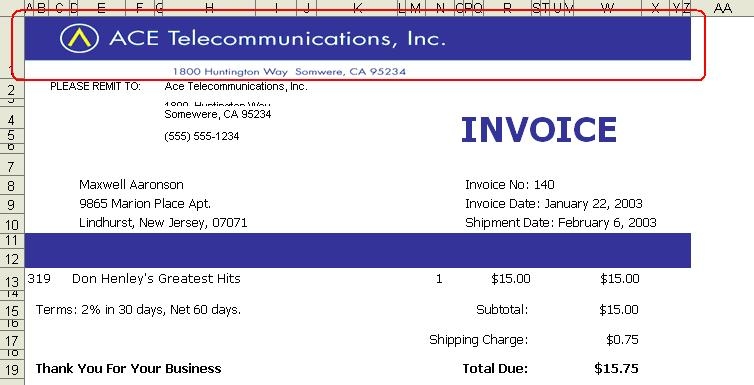
Execute the Report Services document in Strategy Office to see the image, as shown below:
KB13801
