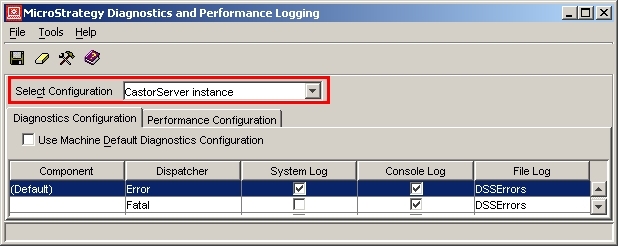
When opening the diagnostics menu in Strategy 9.x and 10.x, there are two options available under the 'Select Configuration' drop-down box: Machine Default and CastorServer Instance. The image below shows the interface with the CastorServer Instance option selected:
Machine Default
The components and counters displayed reflect the machine on which the user is working.
CastorServer Instance
The components and counters displayed reflect server-specific features.
When CastorServer Instance is selected, an additional checkbox is available that enables a restoration of default logging levels. On the Diagnostics Configuration tab, this check box is named 'Use Machine Default Diagnostics Configuration.' On the Performance Configuration tab, this check box is 'Use MachineDefault Performance Configuration.' This will pull the diagnostic/performance monitor logging levels from the Machine Default settings.
