SYMPTOM:
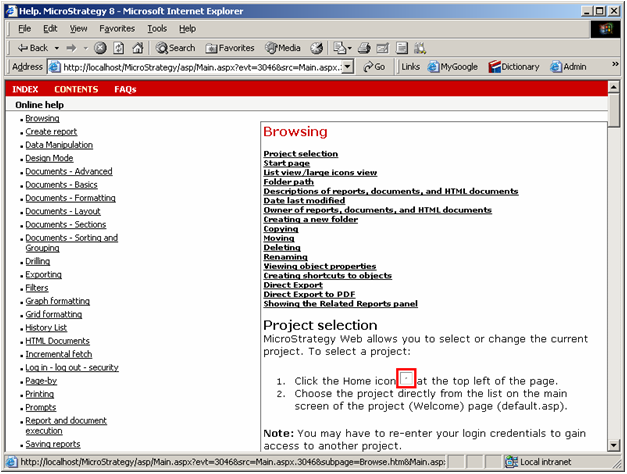
When a user clicks on the Help Link in Strategy Web 10.x, broken images or icons appear in the help pages, as shown below:
CAUSE:
One of the common reasons for this issue is that the help page is attempting to access some icon(s) or image(s) on the machine used, but the user does not have permissions to access these icons or images.
ACTION:
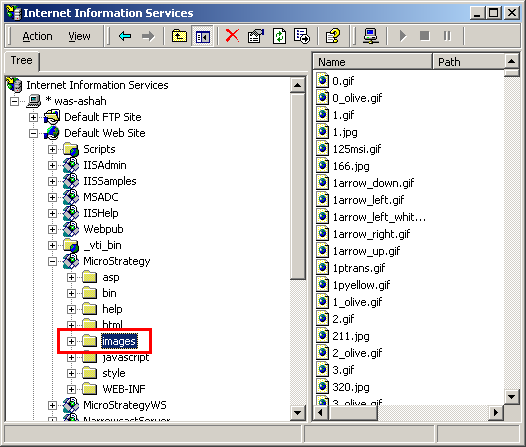
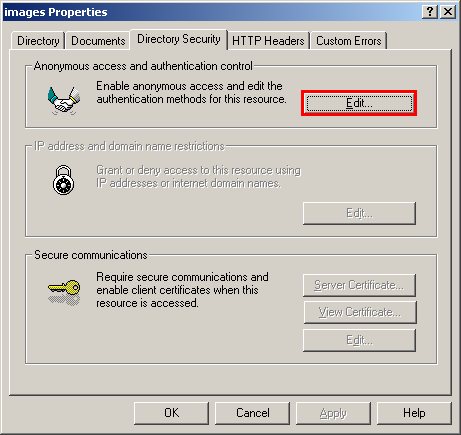
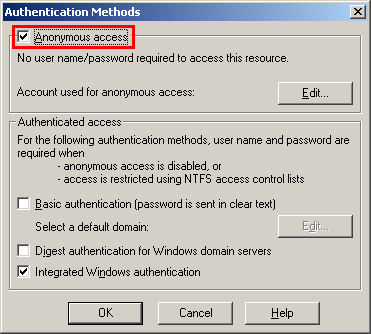
Grant the user proper permissions on the images folder, so that either the Microsoft Windows User (if using Windows Authentication), or the Anonymous Access user (if using Strategy standard authentication) can access the images. To achieve this, follow the steps below:
14024
