SYMPTOM:
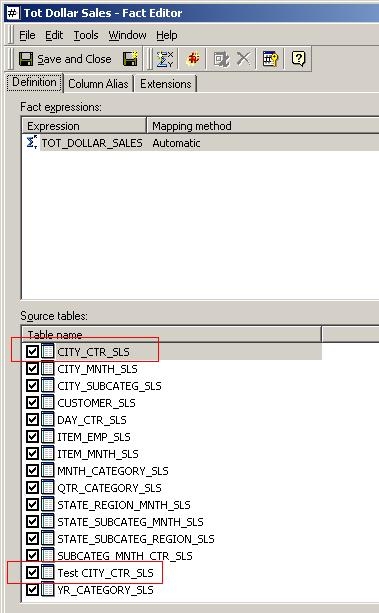
When users create a new logical view table which contains the same column as an existing table, it does not appear in the available source tables in the Fact Editor in Strategy Desktop 9.x.
STEP TO REPRODUCE:
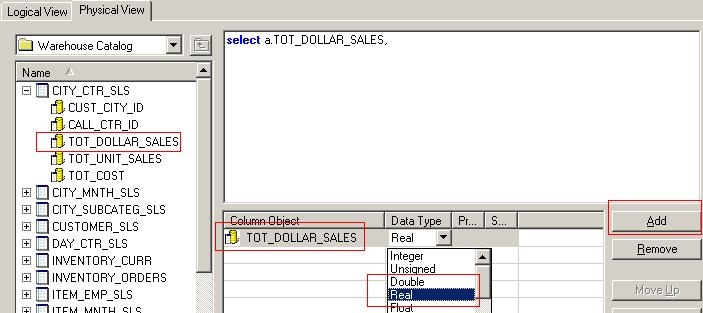
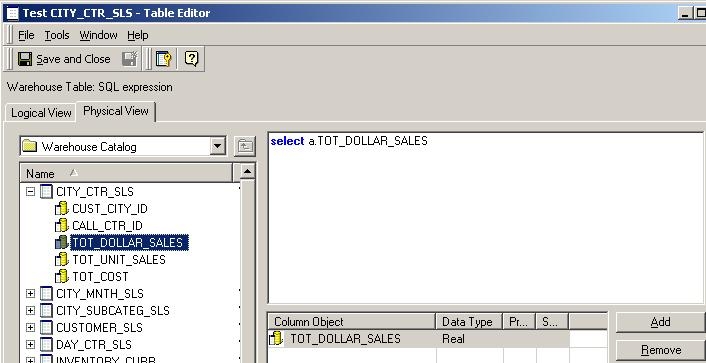
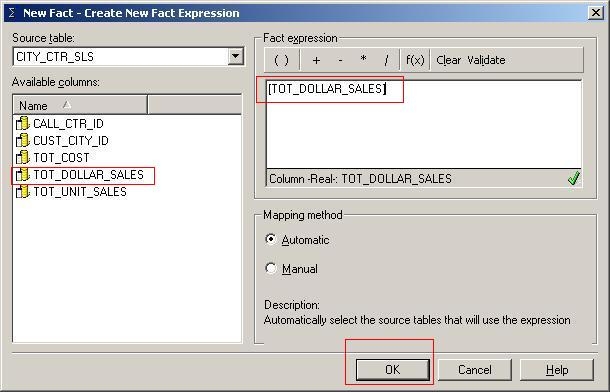
Follow the steps below to reproduce this issue in the Strategy Tutorial project:
CAUSE:
This is working as designed. If the column name is added manually via typing, it will have a different ID than the original column.
ACTION:
Select the desired column from the existing tables in the Warehouse Catalog, and drag it over to the Column Object.
