OLAP Services enables users to have additional attributes and metrics included in the SQL that is generated for a report, but not appear on the report template. To learn about these advantages, refer to the following Strategy Knowledge Base technical note:
KB10709 (KB5700-7XX-1273) - What are Strategy Intelligent Cubes and how are they used?
However, with individual attribute forms, users are unable to do this. There is no current functionality to have additional attribute forms be included in the SQL but not show up on the report template when an attribute is added to a report template. If this functionality was available, then users could add attributes to a report and have additional forms show up in the SQL to give them the option of deciding later that they want to show this attribute form(s) later on. They could then select the attribute form to display, and this will not cause the report to re-execute against the warehouse.
Currently there is an ongoing enhancement request for a new option to be developed that would be included alongside the attribute display options (Report Display Forms and Browse Forms) that would allow users to define the attribute forms there that would always be included in the SQL but not on the template. Contact Strategy Technical Support for an update regarding this issue.
There are a number of workarounds though to have the attribute forms included in the SQL but not display on the template, as follows:
WORKAROUND 1:
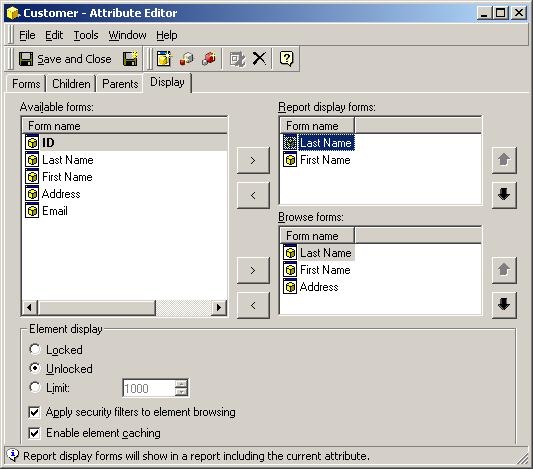
Any attribute form that is included in the 'Report Display Forms', as shown below, will always be included in the SQL. Therefore, users can add the attribute forms to 'Report Display Forms' and then after adding the attribute to the template, disable the attribute form from being displayed on the template.
WORKAROUND 2:
Instead of using these forms as part of the original attribute that users may want to hide, users can create individual attributes for these forms. To do this, follow the steps below:

WORKAROUND 3:
Users can define dummy HTML tags to be generated so that Strategy Web 9.x will not display those attribute forms. This is useful when users are customizing and require that the attribute forms be included in the SQL, but NEVER be included in report display. To do this, follow the steps below:


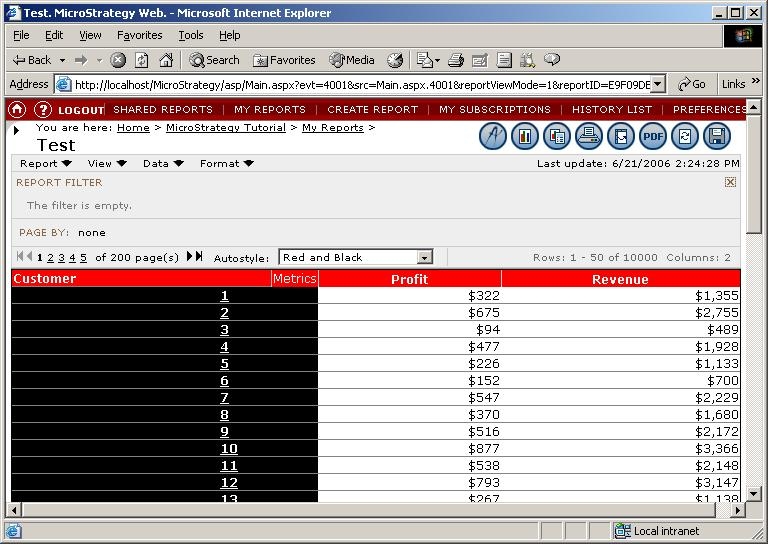
This workaround would generally only be useful when the user never intends to show the attribute form on the report.
