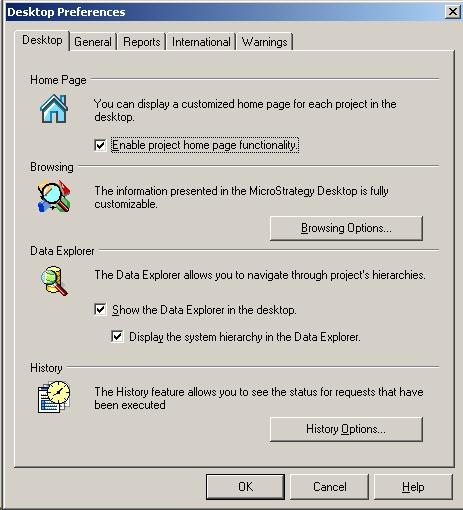
In Strategy Developer (formerly Desktop) it is possible to display a project home page by enabling the project home page functionality from the Tools -> Desktop preferences menu, as shown below:
From Tools -> My Preferences, users can specify the HTML document to be used as a project home page under the HTML file path, as shown below:

The one selected in this example is classic.htm shipped by default with Strategy Developer (formerly Desktop) , as shown below:
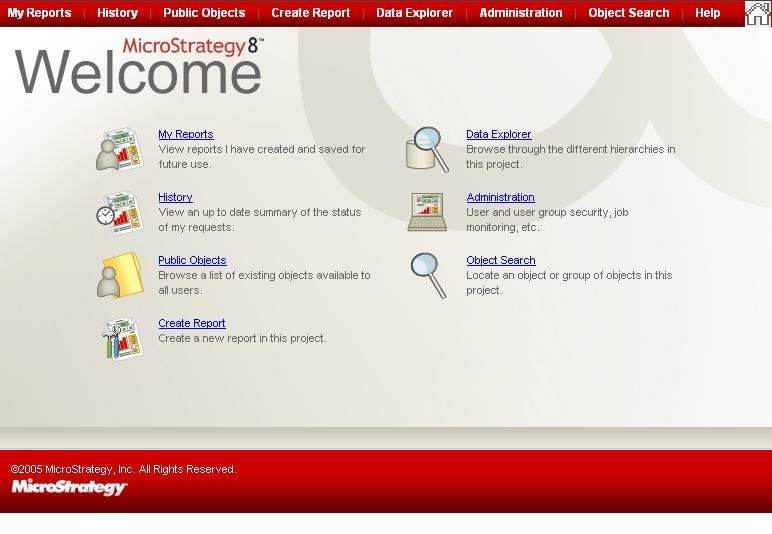
An example of Strategy links that can be added here are:
The HTML page can also hold JavaScript which can be used to display dynamic content, as shown below:
<SCRIPT LANGUAGE="JavaScript">
<!--
document.write(Date());
//-->
</SCRIPT>
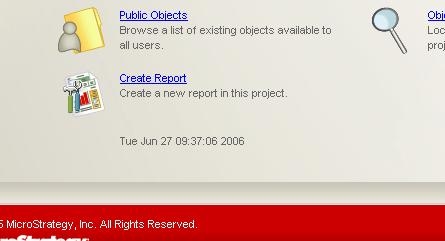
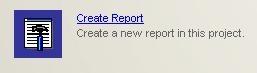
With the use of JavaScript, it is also possible to swap images when the mouse is over them with the use of DHTML, as shown below:
Normal

Mouse Over
The home page HTML document will load and execute any JavaScript put in the following section of the page, but note that browser specific JavaScript DOM components such as printing text to the status bar will not work since the HTML is not loaded trough the browser window but a window component:
<SCRIPT LANGUAGE="JavaScript">
<!--
//-->
</SCRIPT>
