SYMPTOM:
Attribute headers are displayed as drilling hyperlinks in grid reports allowing users to click on the attribute header and automatically drill down to the next attribute in the hierarchy without having to right-click on the attribute header and select the drilling option in Strategy Web.
In the following example, the user clicks directly in the attribute header that is displayed as a hyperlink, as shown below:
The report drills down to the next attribute of the hierarchy, as shown below:
CAUSE:
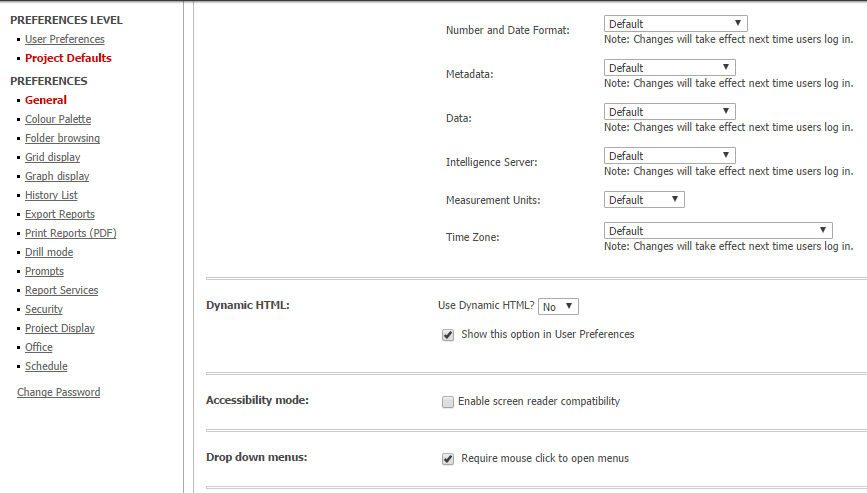
This occurs when users set the option 'Use Dynamic HTML?' as 'No', as shown below:
ACTION:
If users set the option 'Use Dynamic HTML?' as 'Determine automatically', the grid report will display the attribute headers as simple headers and users will need to right-click in the attribute header and select the drilling option.
