SYMPTOM:
The password to access the metadata database was changed. The user will need to update Strategy with the new password.
ACTION:
Go to Strategy Developer 9.x to modify the existing password.
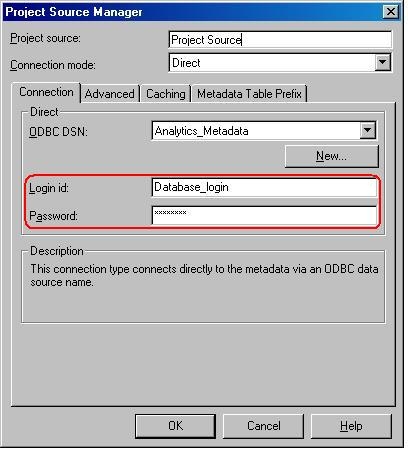
If working in 2-tier, right-click the project source and select 'Modify project source'. The login id and password can be updated in the Connection tab, as shown below:
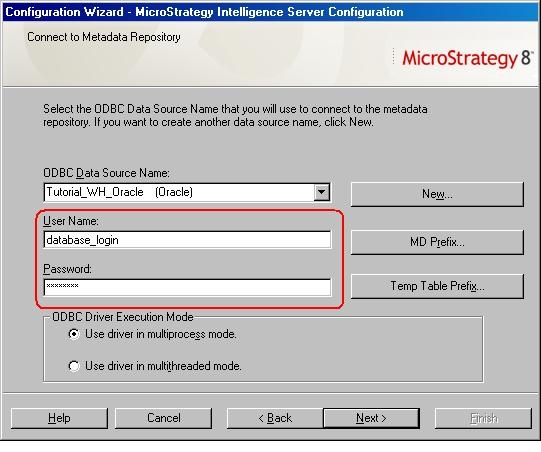
When working in 3-tier, the user will need to modify the project source definition by going to Configuration Wizard and choosing 'Set up Strategy Intelligence Server'. The password can be updated in the 'Connect to Metadata Repository' window as shown in the image below. This process will stop and re-start Strategy Intelligence Server 9.x, as shown below: