SYMPTOM:
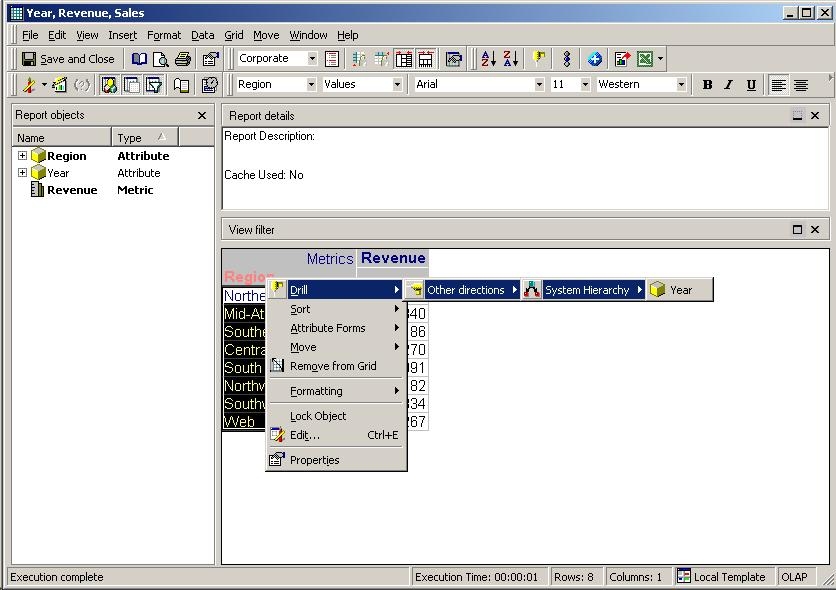
When using Freeform SQL and trying to drill an attribute, the drill option is not enabled in Strategy Developer 9.x.
CAUSE:
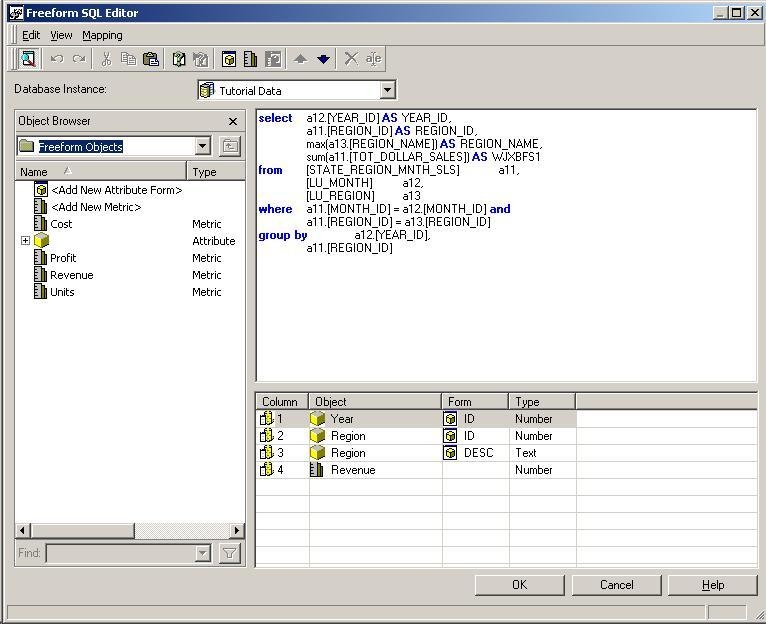
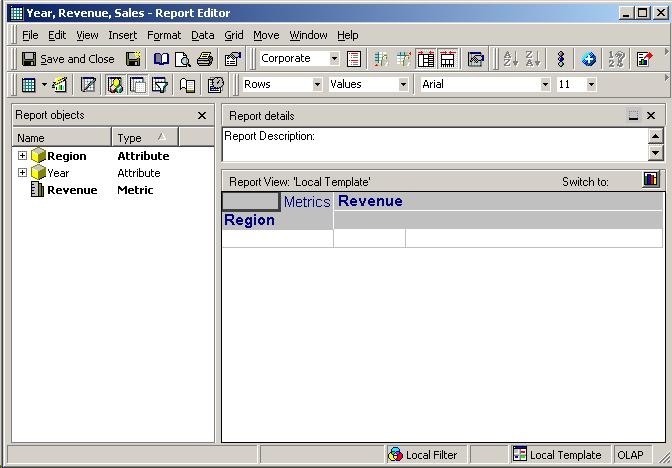
To enable drilling using Freeform SQL, it is necessary to create the Freeform SQL report and add all the existing attributes involved in the drilling. Two possible scenarios can exist here:
For more information about how to create a drill map, refer to the following Strategy Knowledge Base technical note:
KB4580 (KB4000-7X0-0409) - How to create a Custom Hierarchy Drill Path in the Strategy 7.x Drill Map Editor
ACTION:
Follow the steps below to resolve this issue: