SYMPTOM:
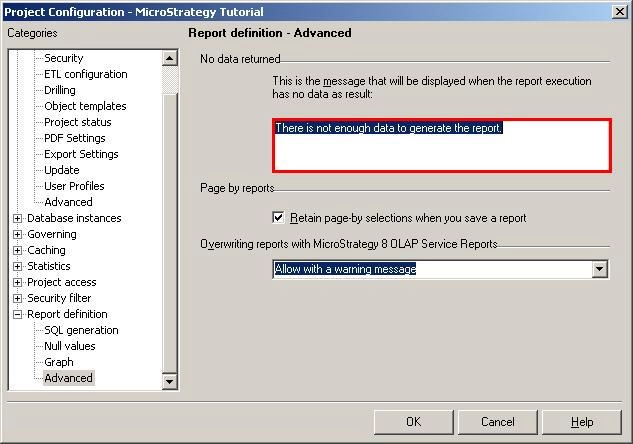
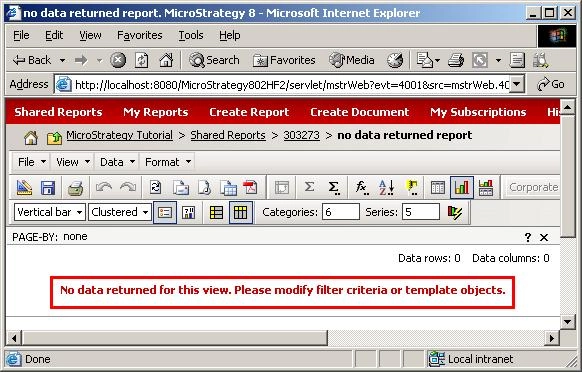
When no data is returned for a report that is displayed in graph mode, the custom message created in the Advanced Report Definition section of the Project Configuration is not displayed in Strategy Developer and Web 9.x. Instead, a warning message is displayed, as shown below:
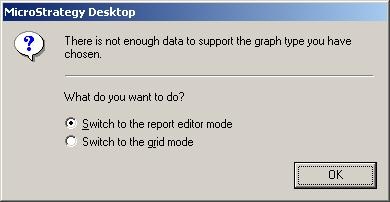
There is not enough data to support the graph type you have chosen.
STEPS TO REPRODUCE:
Follow the steps below to reproduce this issue in the Strategy Tutorial project:
CAUSE:
This is currently working as designed in Strategy Developer and Web 9.x. An enhancement request has been logged in order to display the custom message even when the report is displayed in graph mode.
ACTION:
Contact Strategy Technical Support for an update on the status of this enhancement.
