The Administrative Notification device in Strategy Narrowcast Server can be found by going to Tools -> Set Administrative Notification, as shown below:
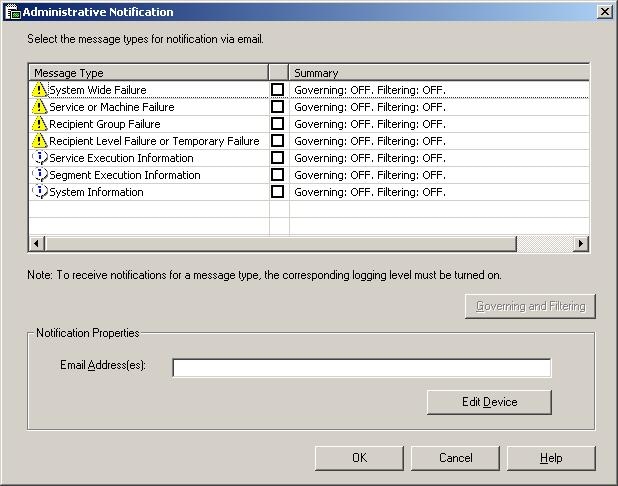
This device is based off of the 'E-mail (SMTP)' Transmitter and therefore it will take on any values defined there including the Message Output settings, as shown below:
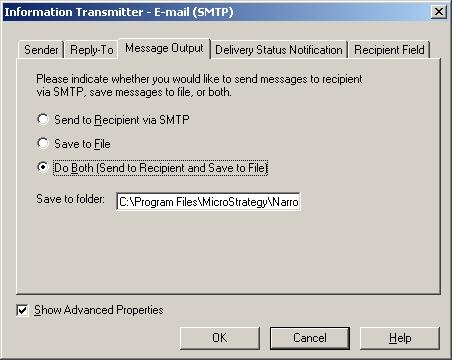
This inheritance of settings is true of any device that is based off of an Information Transmitter. Once a device is created, it cannot be modified to "re-point" to another Information Transmitter.
The only way, then, to configure different Message Output options so that the Administrative Notifications will save administrative messages to one folder and normal email services will save to another is to have two Information Transmitters.
One Information Transmitter will be created that Strategy Narrowcast Server users will use for normal email delivery and the other one (the out of the box E-mail SMTP Transmitter) to be used exclusively for use by the Administrative Notification device.
