SYMPTOM:
Users can connect successfully to a Sybase IQ database using the Sybase dbisql utility but cannot connect using Strategy DB Query Tool and Strategy Intelligence Server.
The following error occurs when running Strategy DB Query Tool:
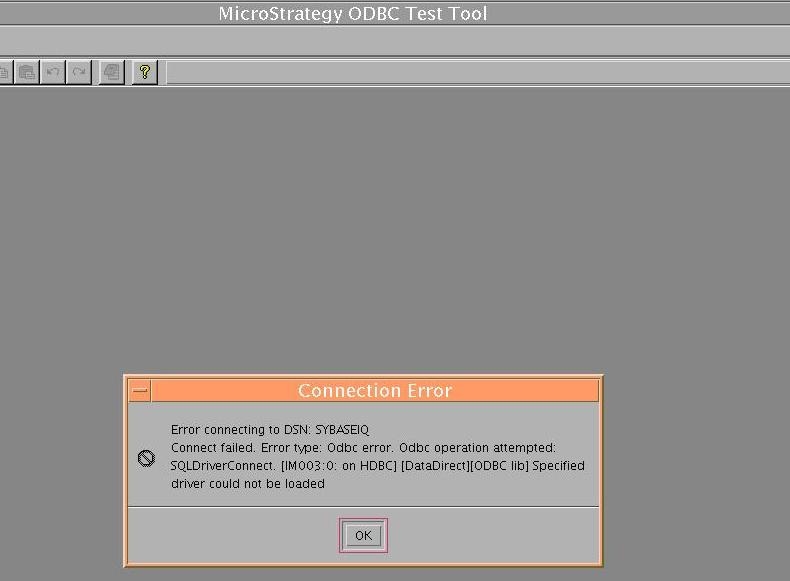
Error connecting to DSN: SYBASEIQ
Connect failed. Error type: Odbc error. Odbc operation attempted: SQLDriverConnect. Specified driver could not be loaded
CAUSE:
The 64-bit driver that is installed by default when installing the Sybase IQ database cannot be used by a Strategy application.
ACTION:
Install Sybase IQ ODBC 32-Bit ODBC driver as specified in the Strategy General Information Readme. Follow the instructions in the Strategy Installation and Configuration Guide to configure the DSN to Sybase IQ.
Third Party Software Installation:
WARNING:
The third-party product(s) discussed in this technical note is manufactured by vendors independent of Strategy. Strategy makes no warranty, express, implied or otherwise, regarding this product, including its performance or reliability.
