EducationSoftwareStrategy.com
StrategyCommunity

Knowledge Base

Product

Community

Knowledge Base

TopicsBrowse ArticlesDeveloper Zone

Product

Download SoftwareProduct DocumentationSecurity Hub

Education

Tutorial VideosSolution GalleryEducation courses

Community

GuidelinesGrandmastersEvents
x_social-icon_white.svglinkedin_social-icon_white.svg
Strategy logoCommunity

© Strategy Inc. All Rights Reserved.

LegalTerms of UsePrivacy Policy
  1. Home
  2. Topics

KB15135: Cannot switch from combination graph type to vertical or horizontal bar graph type in MicroStrategy Developer


Community Admin

• Strategy


Cannot switch from combination graph type to vertical or horizontal bar graph type in MicroStrategy Developer.

SYMPTOM
When switching a graph from a combination graph type to a vertical or horizontal bar graph type, the graph does not change. Steps to reproduce in Strategy Tutorial:
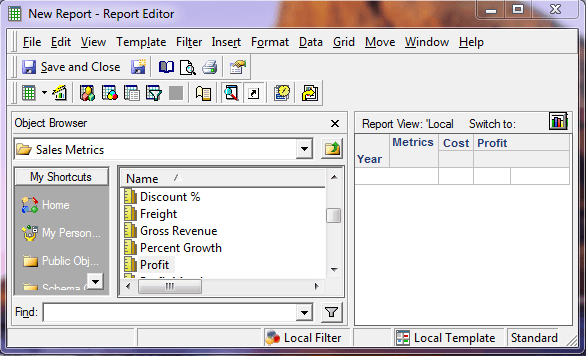
  • Create a report in Desktop with Year, Cost and Profit.
     
ka04W000000uGEMQA2_0EM440000002D5C.png
  • Switch to Graph View.
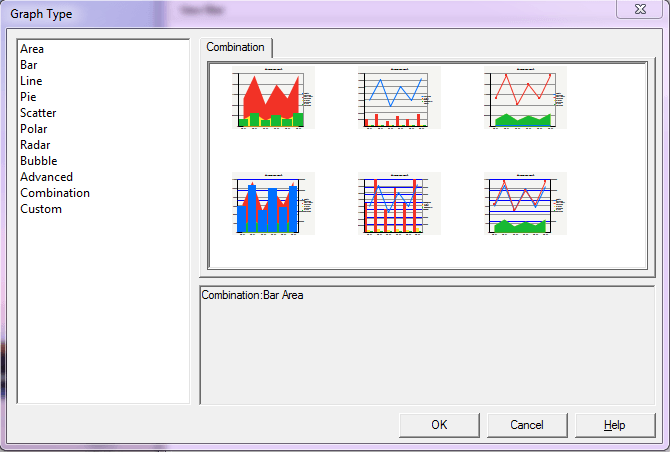
  • From the Graph Menu, select Graph Type, and choose the "Combination: Bar Area" graph type.
ka04W000000uGEMQA2_0EM440000002D5E.png
ka04W000000uGEMQA2_0EM440000002D56.png
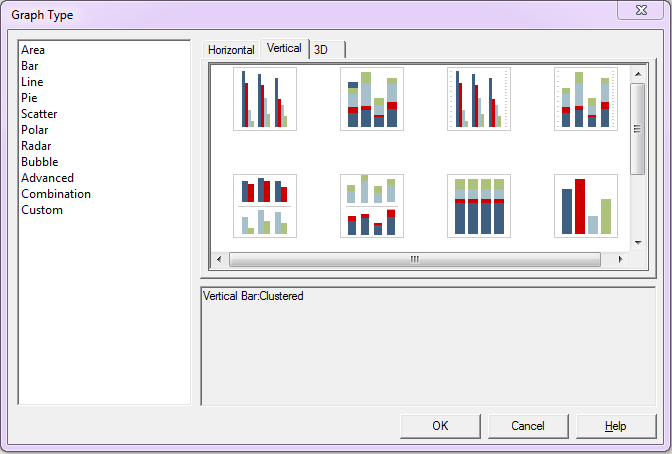
  • From the Graph Menu, select Graph Type, and choose the "Vertical Bar: Clustered" graph type.
ka04W000000uGEMQA2_0EM440000002D54.png
ka04W000000uGEMQA2_0EM440000002D56.png

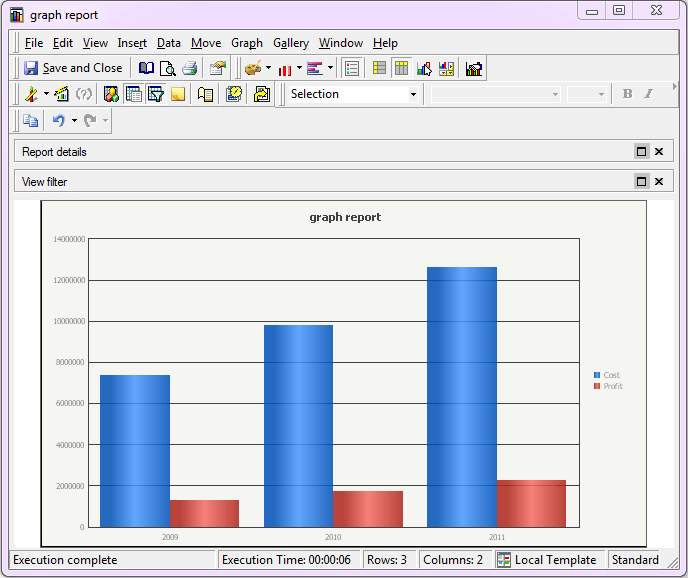
Observe that the graph type has not changed. The same issue occurs if user chooses a Horizontal Bar graph type.
 
This occurs when user tries to switch from the following Combination graph types to the Vertical Bar graph type:

  • Combination Bar Area
  • Combination Bar Line
  • Combination Dual Axis Bar Area
  • Combination Dual Axis Bar Line

The graph type switches correctly for Combination Area Line and Combination Dual Axis Area Line graph types.
 
CAUSE
This is a known issue in Strategy Developer 9.4.1 and 10.x
 
WORKAROUND
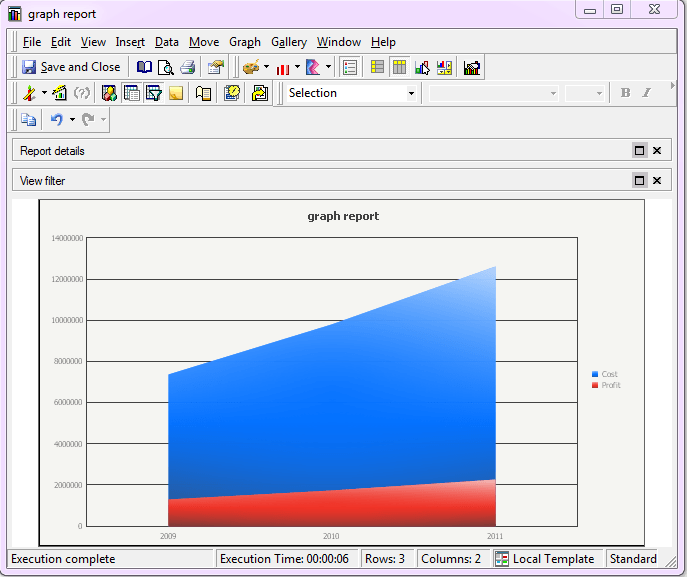
  • Switch to an intermediate graph type, e.g. "Vertical Area: Absolute"
     
ka04W000000uGEMQA2_0EM440000002D58.png
  • Switch to the Vertical Bar graph type.
     
ka04W000000uGEMQA2_0EM440000002D5M.png


Article Reference Number: 
KB15135


Comment

0 comments

Details

Knowledge Article

Published:

May 8, 2017

Last Updated:

December 31, 2018