SYMPTOM:
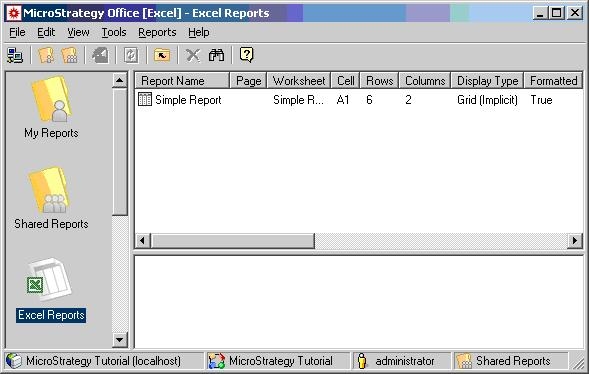
In Strategy Office 9.x, users can execute reports to a Microsoft Excel workbook, as shown below:
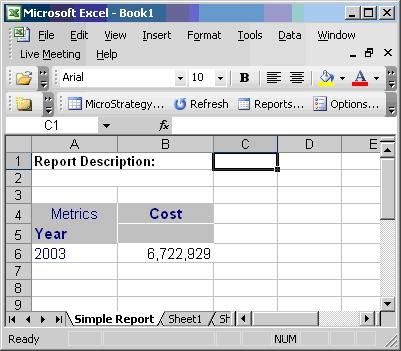
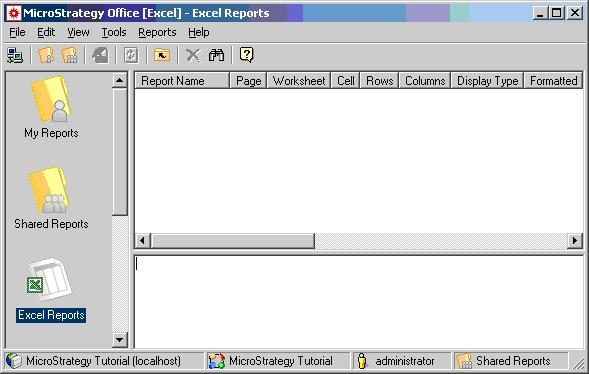
However, users may notice that the report is not listed in the Microsoft Excel Reports window, as shown below:
CAUSE:
This is due to the fact that the layout information for the report was not persisted.
ACTION:
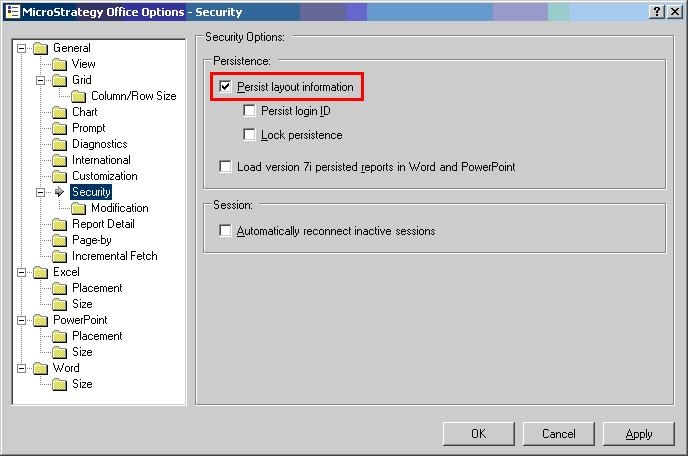
In the Strategy Office Options > Security, check the setting 'Persist layout information' and then re-execute the report, as shown below:
The report will now display in the Microsoft Excel Reports window, as shown below: