SYMPTOM:
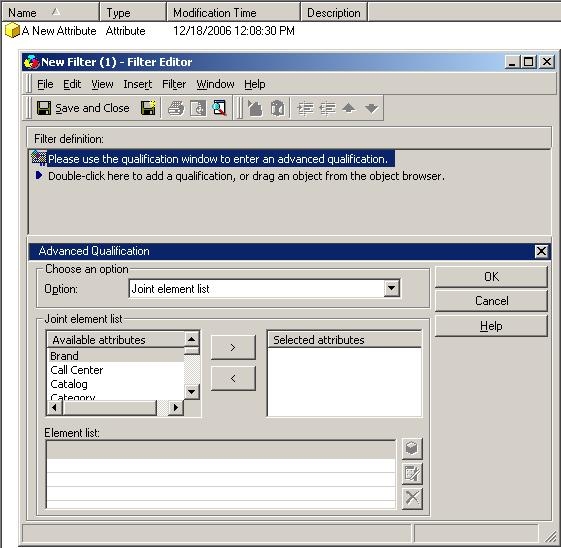
When trying to define a joint element list filter, users cannot find certain attributes in the 'Available attributes' list to define the filter in Strategy Developer. In the screenshot below, the attribute is not an available attribute for the joint element list definition.
CAUSE:
There are two potential causes to issue:
ACTION:
To address cause number one, do the following:
To address cause number two, the attribute needs to be relocated to the Strategy default Attributes folder.
An enhancement request has been submitted to Strategy Technology to give users the ability to search for attributes outside the Attributes folder. Strategy will continue to investigate and post updates as soon as they are available.
