SYMPTOM:
After installing Strategy Office, the following warning message is displayed when running or debugging an application using Flex Builder.
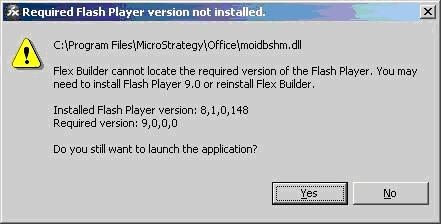
C:\Program Files\MicroStrategy\Office\moidbshm.dll
Flex Builder cannot locate the required version of the Flash Player. You may need to install Flash Player 9.0 or reinstall Flex Builder.
Installed Flash Player version: 8,1,0,148
Required Version: 9,0,0,0
Do you still want to launch the application?
If the following error occurs, the user does not have the proper privileges to unregister moidbshm.dll. Only a member of the Administrators group for the computer can unregister dlls.
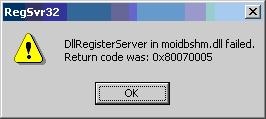
Return clode was: 0x80070005
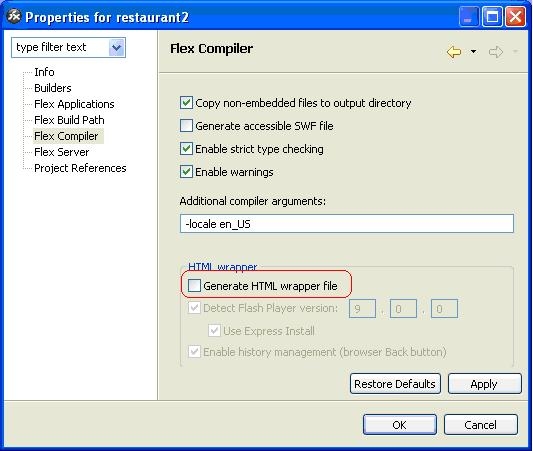
Registry Modification:
WARNING:
Modifying registry values incorrectly may cause serious, system-wide problems that may require the re-installation of Microsoft Windows NT. Any edit of the registry is done at the user's own risk. Since these are user-initiated changes, they are not covered by any Strategy warranty. If using Microsoft Windows NT, the user should backup the registry and/or update an Emergency Repair Disk (ERD) prior to alterations.
Third Party Software Installation:
WARNING:
The third-party product(s) discussed in this technical note is manufactured by vendors independent of Strategy. Strategy makes no warranty, express, implied or otherwise, regarding this product, including its performance or reliability.
