Users wish to execute scripts in Strategy Command Manager that require single quotes in the definition. For example, the following will illustrate how to create a metric with a constant element inside the Applysimple statement:
CREATE METRIC 'Test' IN FOLDER '\Profiles\Administrator\My Objects' EXPRESSION "Sum(ApplySimple("decode(upper(trim(#0)),'CONSTANT ELEMENT',#1)", @DESC, Country@DESC)) {~}" ON PROJECT 'Strategy Tutorial';
Normally, this script will fail with the following error message:
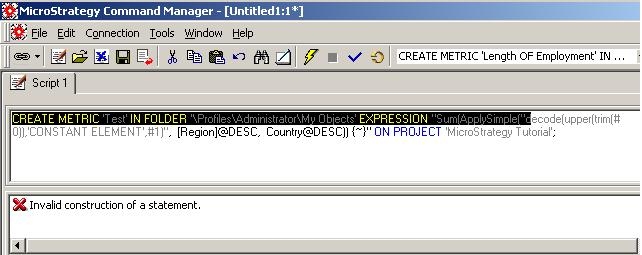
Invalid construction of a statement.
The expression parser fails to validate the syntax because the inner string uses the same quote marks (double quote) as the outer string, as shown below:
"Sum(ApplySimple("decode(upper(trim(#0)),'CONSTANT ELEMENT',#1)", @DESC, Country@DESC)) {~}"
There are two ways to correct the syntax:
