SYMPTOM:
In Strategy Narrowcast Server, a user has created a service that performs both actions of sending an email and writing a copy of the sent email to disk. A copy of the sent email is created in disk, but the users do not receive the email and no error message appears in the log files DELogxxxx.log and C:\Program Files\Common Files\MicroStrategy\Log\DSSErrors.log.
CAUSE:
In this case, the problem is the name resolution because the Domain Name Server configured in the server where the Strategy Narrowcast Server had been installed was not working properly. However, all web connections to external web sites were working fine because the gateway worked fine, but the communication with the mail server did not work.
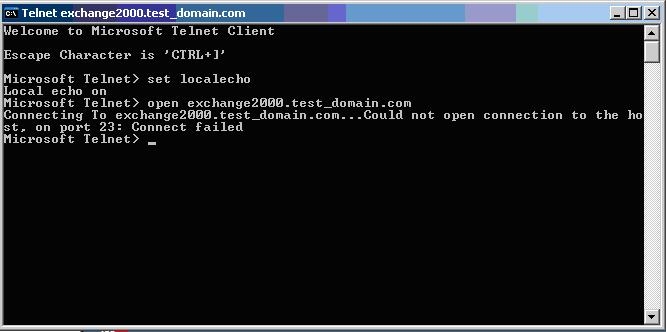
The image below shows the user trying to open a connection between the server where Strategy Narrowcast Server is installed with the mail server via telnet:
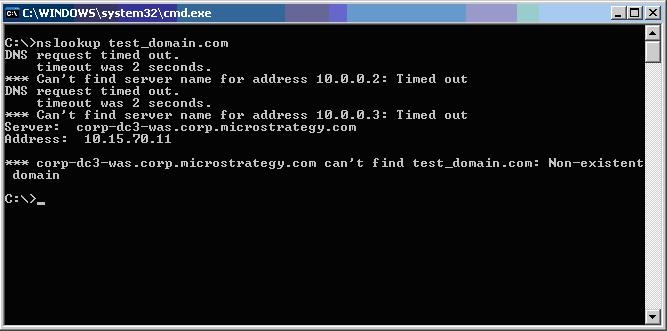
The image below shows the user testing the name resolution for the domain which the mail server is part of:
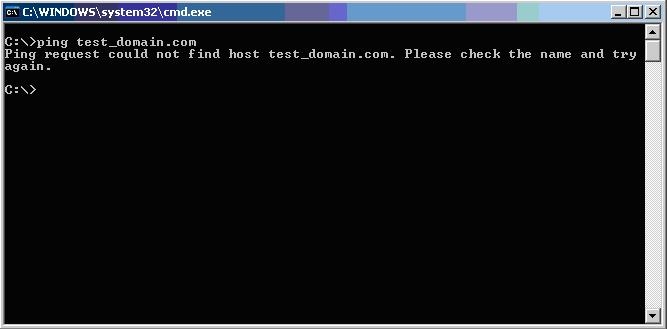
The image below shows the user trying to test the connection between the server where the Strategy Narrowcast Server is installed and the mail server:
ACTION:
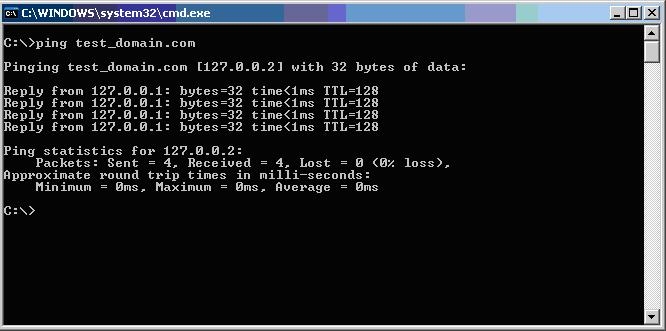
If it is not possible to set a Domain Name Server that is able to resolve the name, then follow the steps below in order to configure a manual name resolution:
Refer to the following Strategy Knowledge Base technical note for more information:
KB6757: Where to find the Log files of Strategy Narrowcast Server
