To set privileges for users in Strategy Developer, following the steps below:
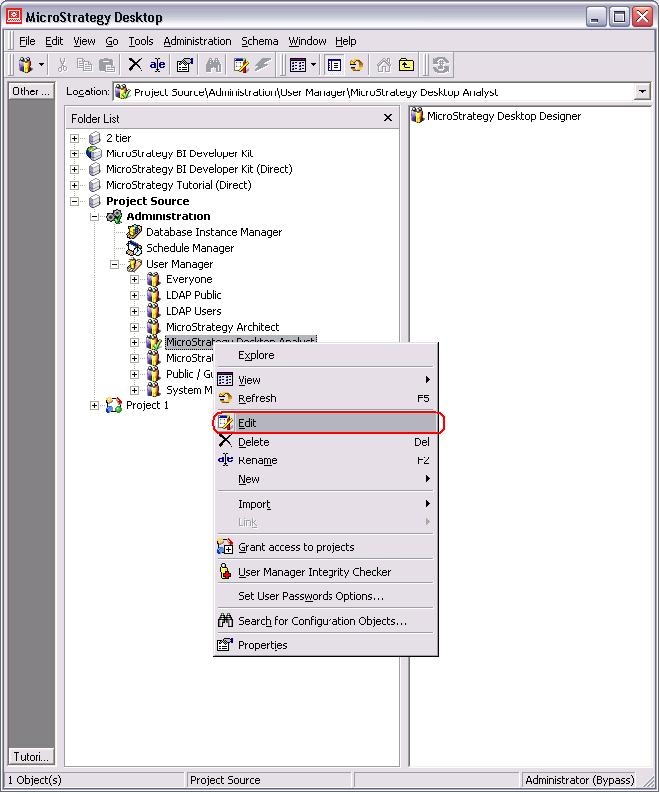
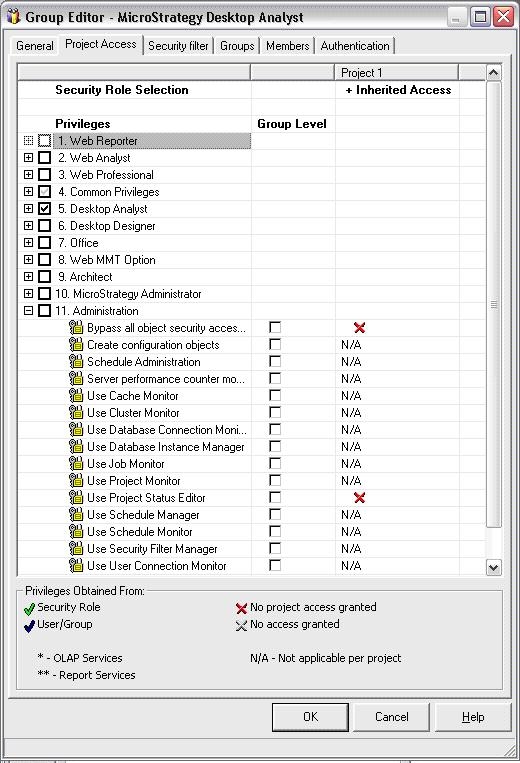
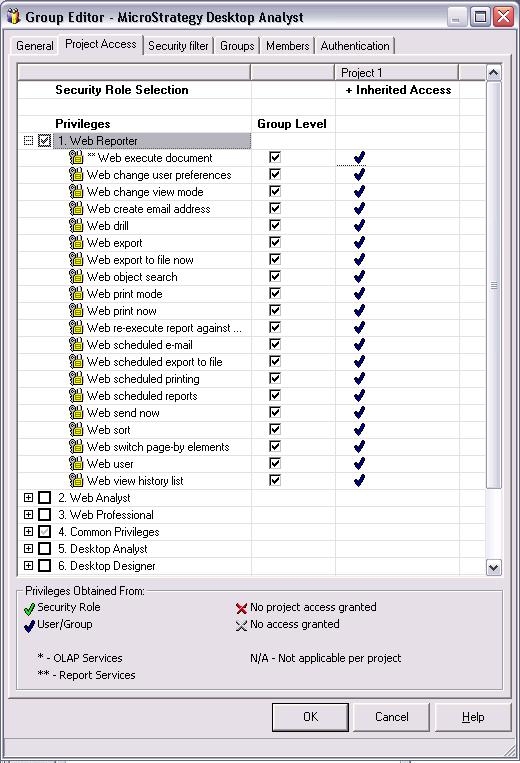
Steps For Workstation:
1. Go to Users & Groups Tab under Administration.
2. Under User groups section, right on the user group and select edit.
3. Go to the Project Access and Roles tab and rest of the steps are similar to what described for Developer above.
NOTE: The privileges assigned to a group of users are inherited by all the users belonging to that group. Users will have all their privileges in addition to the ones they inherited.
