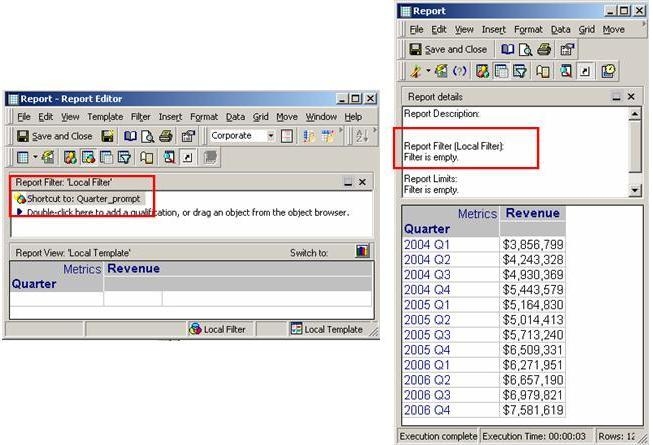
Consider a report with a prompt (not mandatory to answer) included in the report filter in Strategy Developer 9.x. The report template consists of the attribute that is used to define the prompt. When the report is executed and no prompt answers are chosen, all the elements for the attribute are seen in the grid, as shown below:
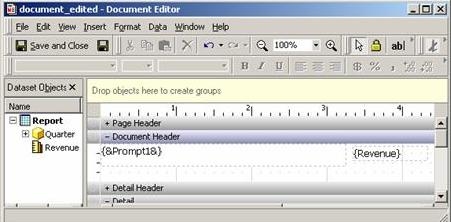
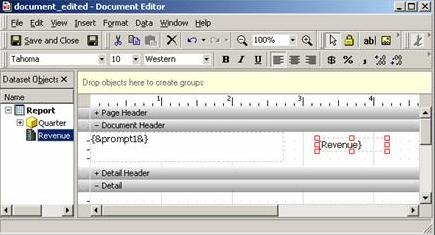
Create a document with the above created report as the dataset. The design view of the document consists of the Quarter prompt and Revenue metric in the Document Header section, as shown below:
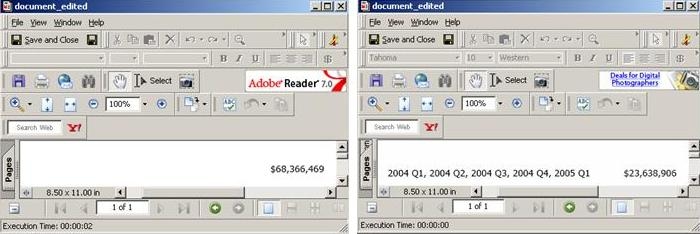
When the document is executed and no prompt answers are chosen, the grand total for Revenue metric is displayed in the header, but no Quarter elements are displayed. When prompt answers are chosen, all the elements chosen are seen in the document header along with the sum of revenue for the chosen elements, as shown below:
Instead of displaying no elements when no prompt answers are chosen, users can choose to display a static text box with text 'ALL' in the document header. However, this text box is displayed even when prompt answers are chosen. The requirement is to be able to apply conditional formatting on the text box to hide it when the prompt is answered. However, it is not possible to apply conditional formatting directly based on whether the prompt was answered or not, as shown below:
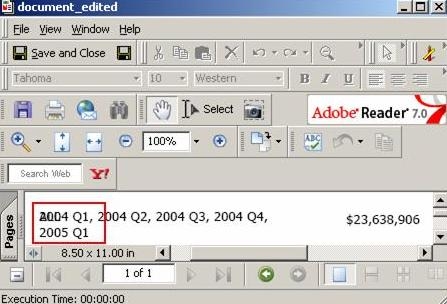
To hide the text box when prompt answers are chosen, follow the steps given below:
The design view of the document is as shown below. The text box ALL is present but is hidden behind the prompt textbox.
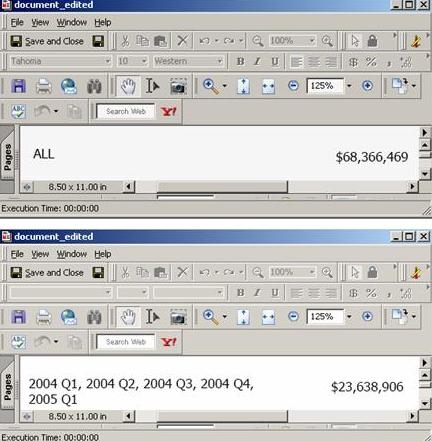
When the document is executed without choosing any prompt answers, the textbox 'ALL' is seen along with the grand total of Revenue. When prompt answers are chosen, only the selected elements are seen with the corresponding revenue total, as shown below: