SYMPTOM:
Administrators can create new users in the User Manager and check the option "User must change password at next logon" in order to force the users to change the password in order to access the application. However, when these users attempt to log into Strategy Web for the first time with a blank password, they may receive the following error:
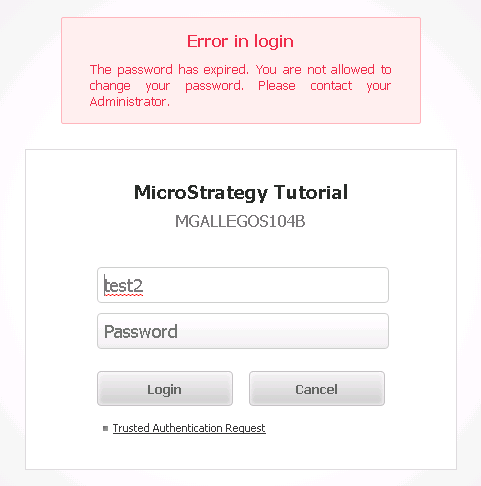
Password expired
The password has expired. Some projects are not shown. You are not allowed to change your password. Please contact your Administrator.
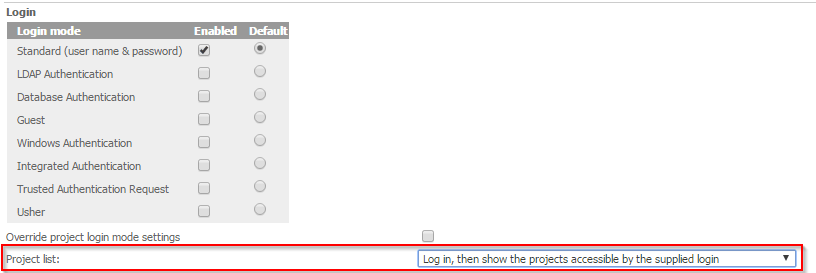
Similarly, the setting for "Allow users to change expired password" can be found on the Web Administrator page > Security and is shown below:

ACTION:
Enable the 'Allow users to change expired password' option in the Strategy Web Administrator page > Security.
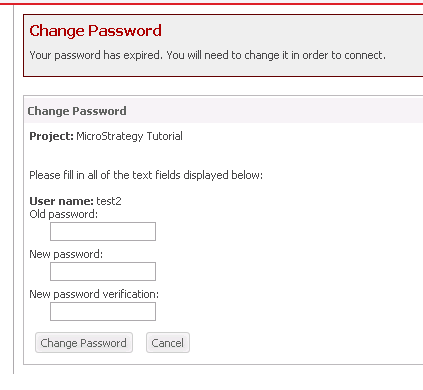
After this setting is enabled, users who attempt to log into Strategy Web for the first time with a blank password will see a screen which prompts them to change their password, like shown below: