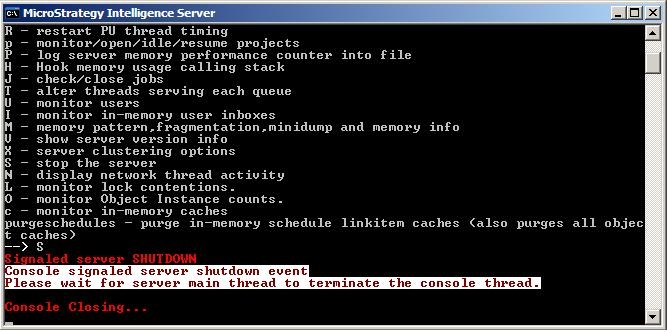
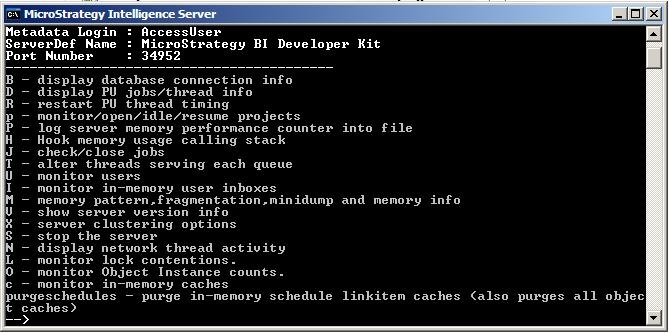
To start Strategy Intelligence Server 9.x in an interactive mode, users may execute the the MSTRSvr2_64.exe executable, which can be found at the following path (if Strategy has been installed in the default directory), should be utilized:
Drive:\Program Files\Strategy\Intelligence Server\MSTRSvr2_64.exe
For Intelligence Server Universal installations on Unix/Linux this may be accomplished by running the 'mstrsvr' script file from the command line. The location of this file is
<mstr_home_directory>/bin/mstrsvr
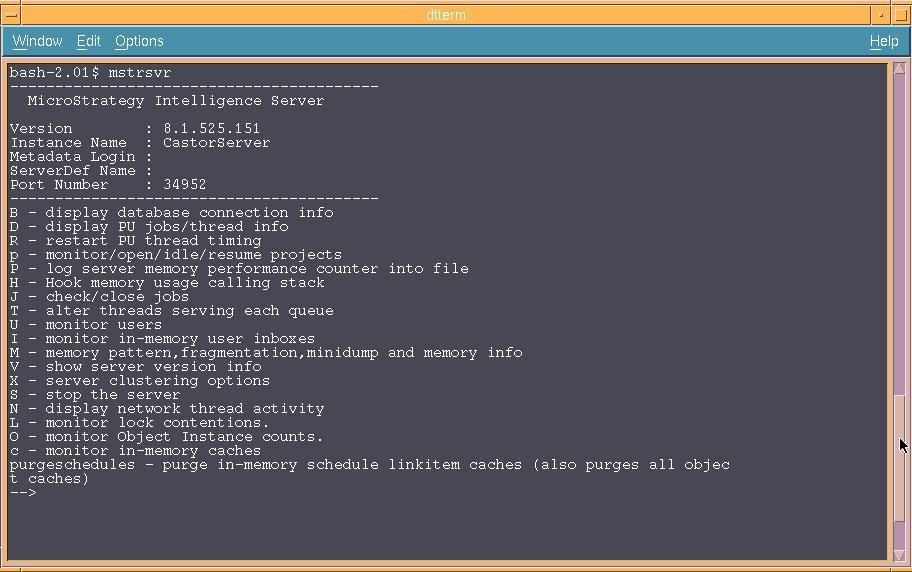
The user executing the command has total control over the server settings from the interactive prompt, which can also be used to display the pertinent information regarding Strategy Intelligence Server 9.x-10.x thread / job usage and connections to the Strategy Server Manager.
When the Strategy Intelligence Server 9.x-10.x is running as an application, using the Strategy Service Manager from another machine to stop the server may not be possible. Further, closing the operating system interactive session may also cause the server process to be terminated (on some server versions and operating systems the process may continue to run in the background).
NOTE: Before closing the connection to the operating system users should use the stop command (S) to ensure that the server shuts down normally , before closing the session (see below).