Any new user or user group added to a user environment via User Manager inherits whatever project access privileges are associated to the Everyone group or any privileges that are associated with a security role applied to the Everyone group in Strategy Developer 10.x. In addition, if the user or user group is created or moved into another user group, they will also gain any privileges associated to that user group/security roles in addition to those of the 'Everyone' group.
There are two ways to influence what project access privileges will be given to a new user or user group when they are first added to a user environment, assuming they are not immediately added to a specific group:
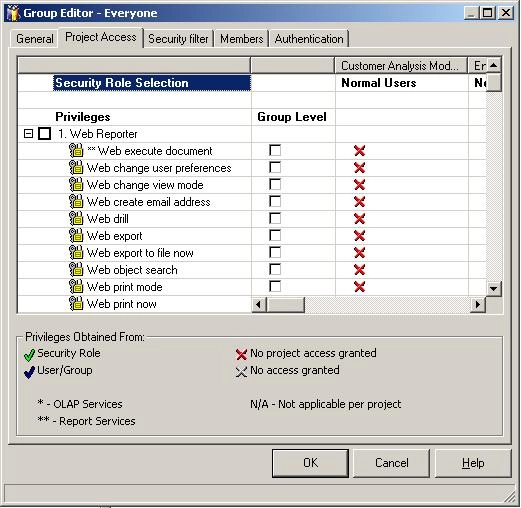
By default, the Everyone group in Strategy Developer 10.x has no inherited access or initial privileges associated to it, as shown below:
The following steps describe how to set project access privileges for the Everyone group:
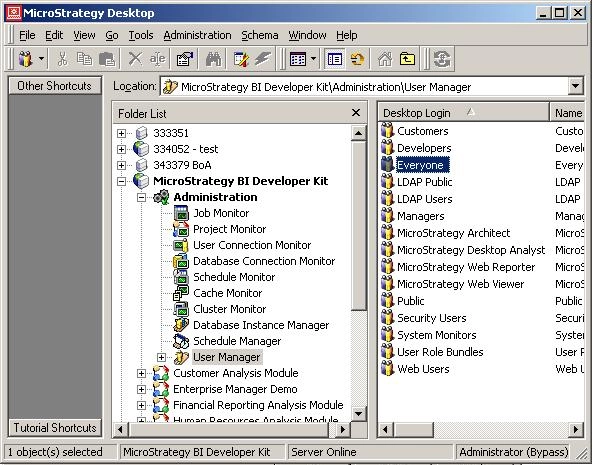

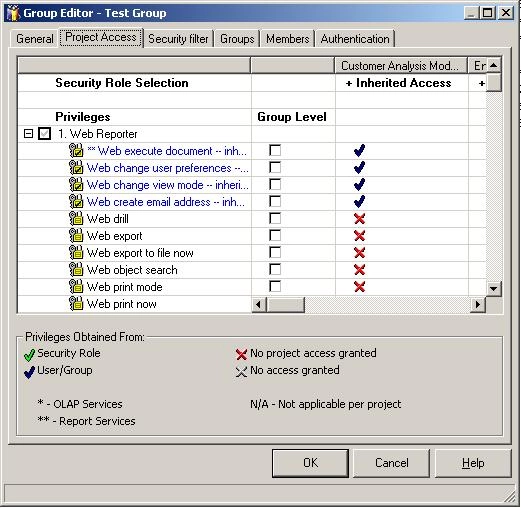
The following steps explain how to set initial privileges for newly created users or groups by associating a security role to the Everyone group:
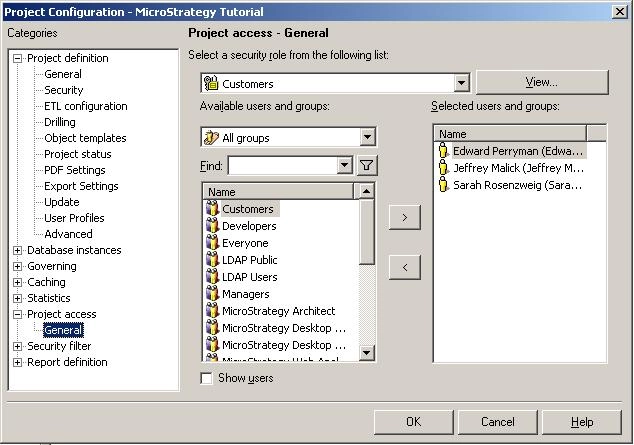

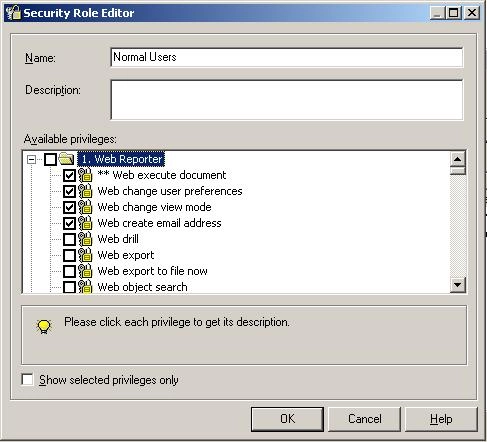


In general, it is easier to use and manage security roles as they can be edited and applied to several groups or users with minimal effort. Also, it is often recommended to modify the privileges associated with the Everyone group only in a controlled environment, as all users will have whatever privileges are associated upon user creation. Such behavior may not always be desired.
