SYMPTOM:
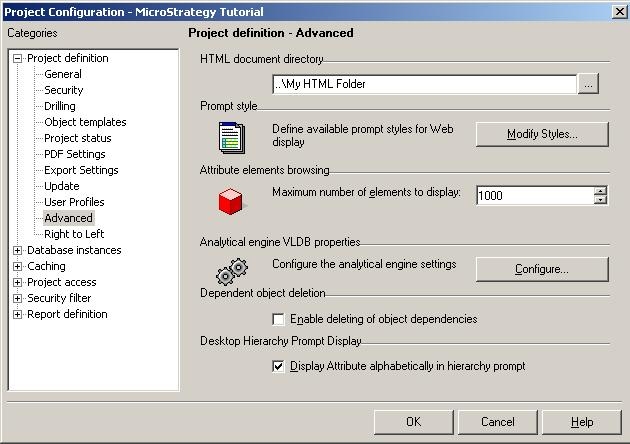
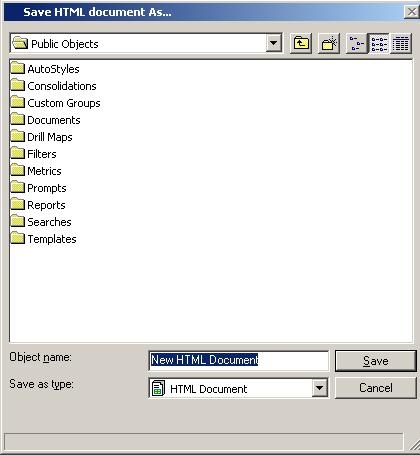
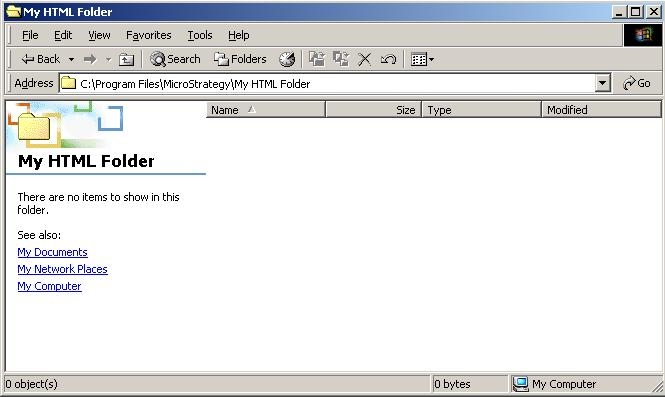
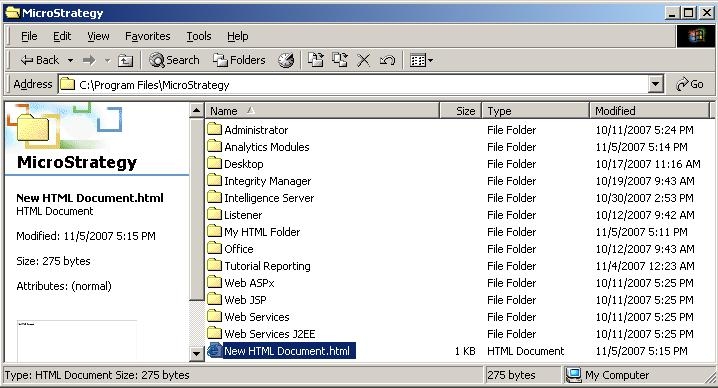
When a relative filepath is specified for the HTML document directory under Project Configuration -> 'Advanced', in Strategy Desktop, newly-created HTML documents are saved to the parent folder of the file path specified.
STEPS TO REPRODUCE:
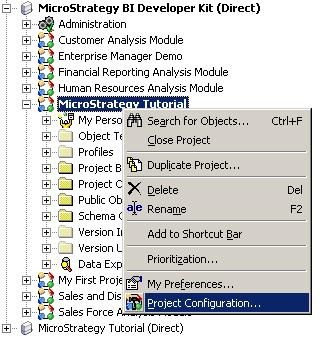
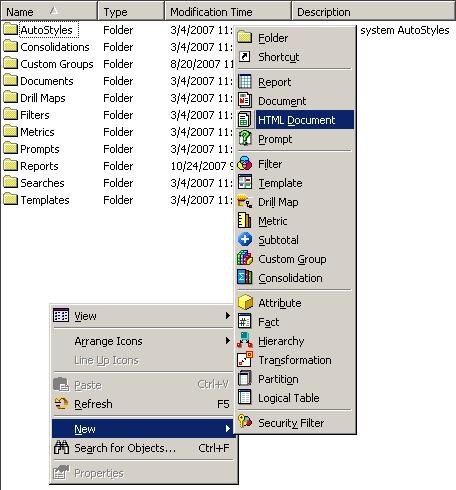
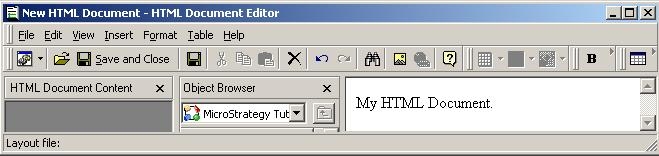
Follow the steps below to reproduce this issue:
CAUSE:
This is a known issue with Strategy Developer 9.x and 10.x.
ACTION:
Contact Strategy Technical Support for the status of this issue.
WORKAROUND:
If a relative filepath must be used, the user can add a slash (\) to the end of the relative filepath specification for the HTML document directory, such as:
..\Tutorial Reporting\
Or, the user can specify an absolute filepath for the HTML document directory, such as:
C:\Program Files\MicroStrategy\Tutorial Reporting
Newly-created HTML documents will then be saved in the correct location using either of these methods.
