The Strategy Intelligence Server provides functionality to allow multiple reports to hit the same cache. This can be achieved by creating multiple reports with the same base template and filter. Multiple users may also run the same report at a given time, each unique execution of a report is called a report instance. If different report executions have the same security credentials and are based on the same report or template and filter combination, and report caching is enabled, the Strategy Intelligence Server will let only one execution complete against the data warehouse. Other report jobs will appear with the status 'Waiting for cache' in the Job monitor as shown below:

After the first report instance has finished execution, a cache for the report results will be created, and the remaining report executions waiting for the cache will retrieve the data from cache and complete execution. The cache created is shown below:
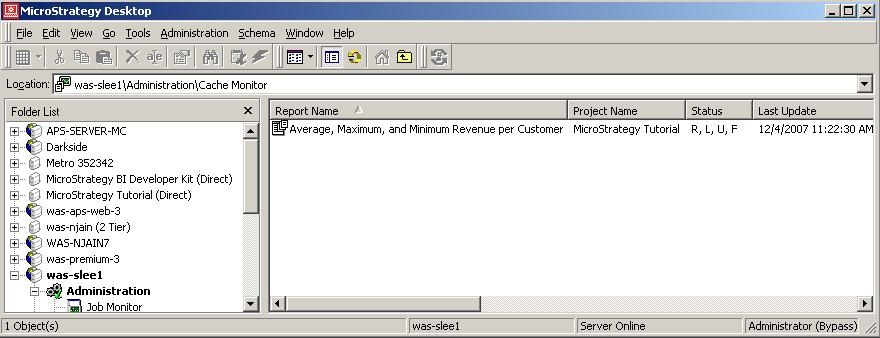
Users should be aware that jobs pass through a parallel execution pipeline within the Intelligence Server. If multiple jobs are executed on the Intelligence Server instantaneously, it is possible for two or more jobs to simultaneously start executing against the warehouse, without appearing with the 'Waiting for cache' status.
Note: Report caching must be enabled for this behavior to be observed.
