SYMPTOM:
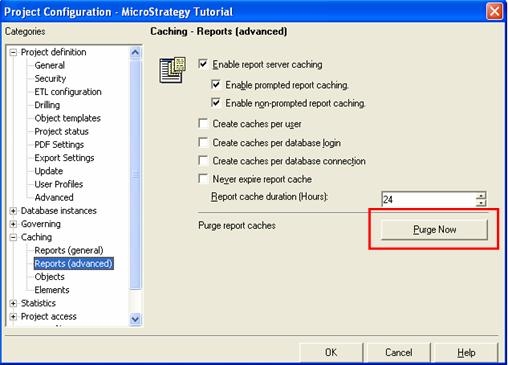
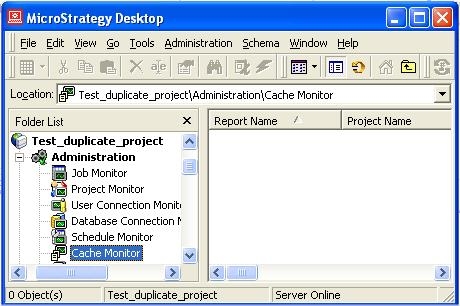
When a report is sent to a user's History List, a cache of type 'matching-history' is created on the Strategy Intelligence Server 8.x. When the History List message is read, this cache is used to retrieve the data. When all report caches are purged, History List messages are not removed but all of the associated cache files they retrieve from are delete. This means that users should encounter an error when requesting History List messages.
However, consider the following scenario:


CAUSE:
The History List message still reports data even after the purge because the data is still available in memory for the working set for the web session. Since the History List message was accessed once in a web session, that page is stored in the working set memory until either the web session is closed (when the user logs out or closes the web browser), the page is overwritten by more user activity in the same web session, or the working set memory is cleared by an restart of the Strategy Intelligence Server 8.x.
ACTION:
There is no way to clear the working set memory except to restart the Strategy Intelligence Server 8.x or log the user off the web session. When the user logs out of the web session, they will receive a new clean working set the next time they log in which will correctly inform them that the data is not available for the History List message, as shown below:

Job Expired
The results for this report are no longer available. Please submit the request again.
